

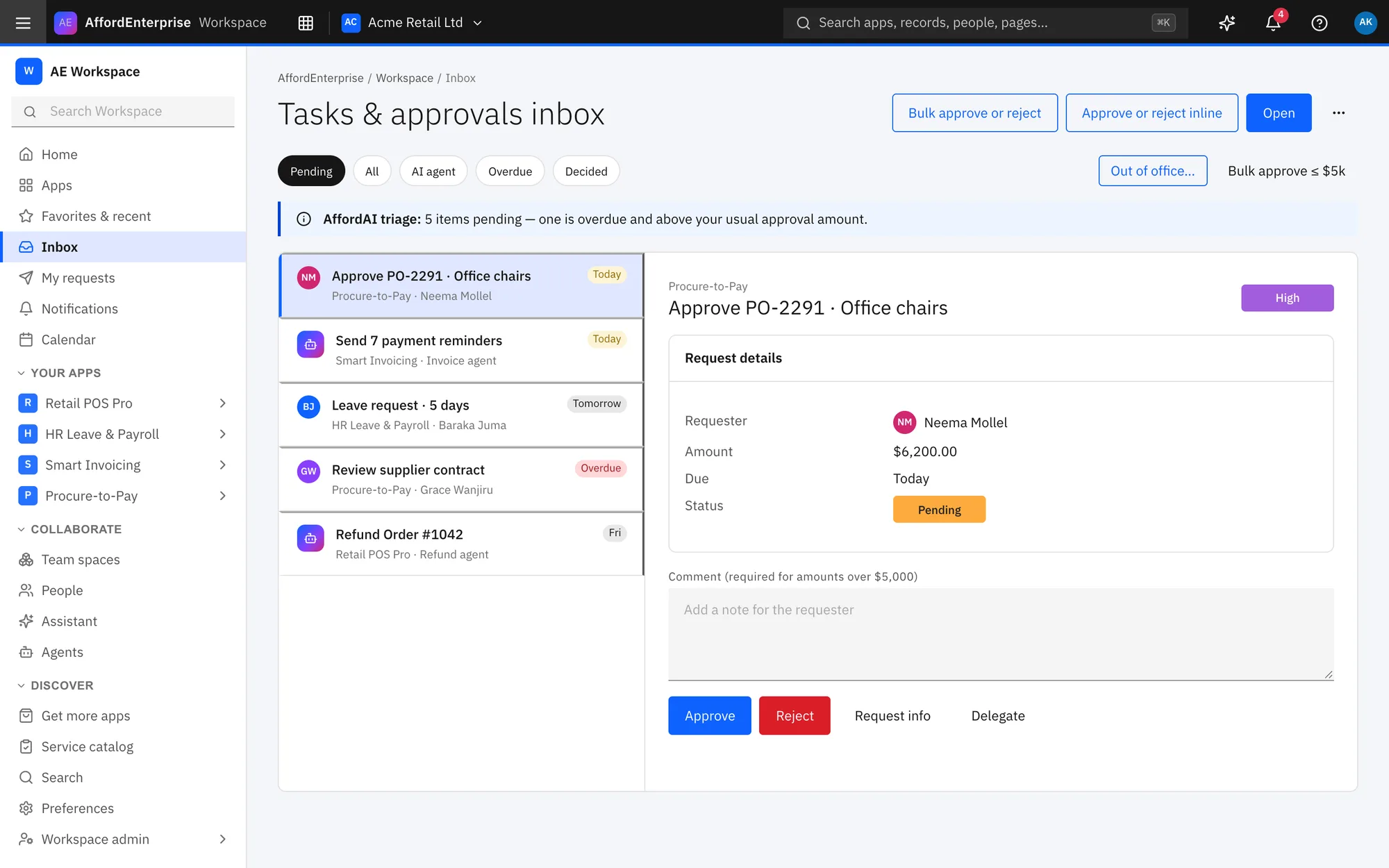
How it works
Three steps.
A request arrives
It lands in your inbox with the requester, amount and due date.
Read the details
Add a note, and ask for more information if something is missing.
Decide
Approve, reject or delegate it.
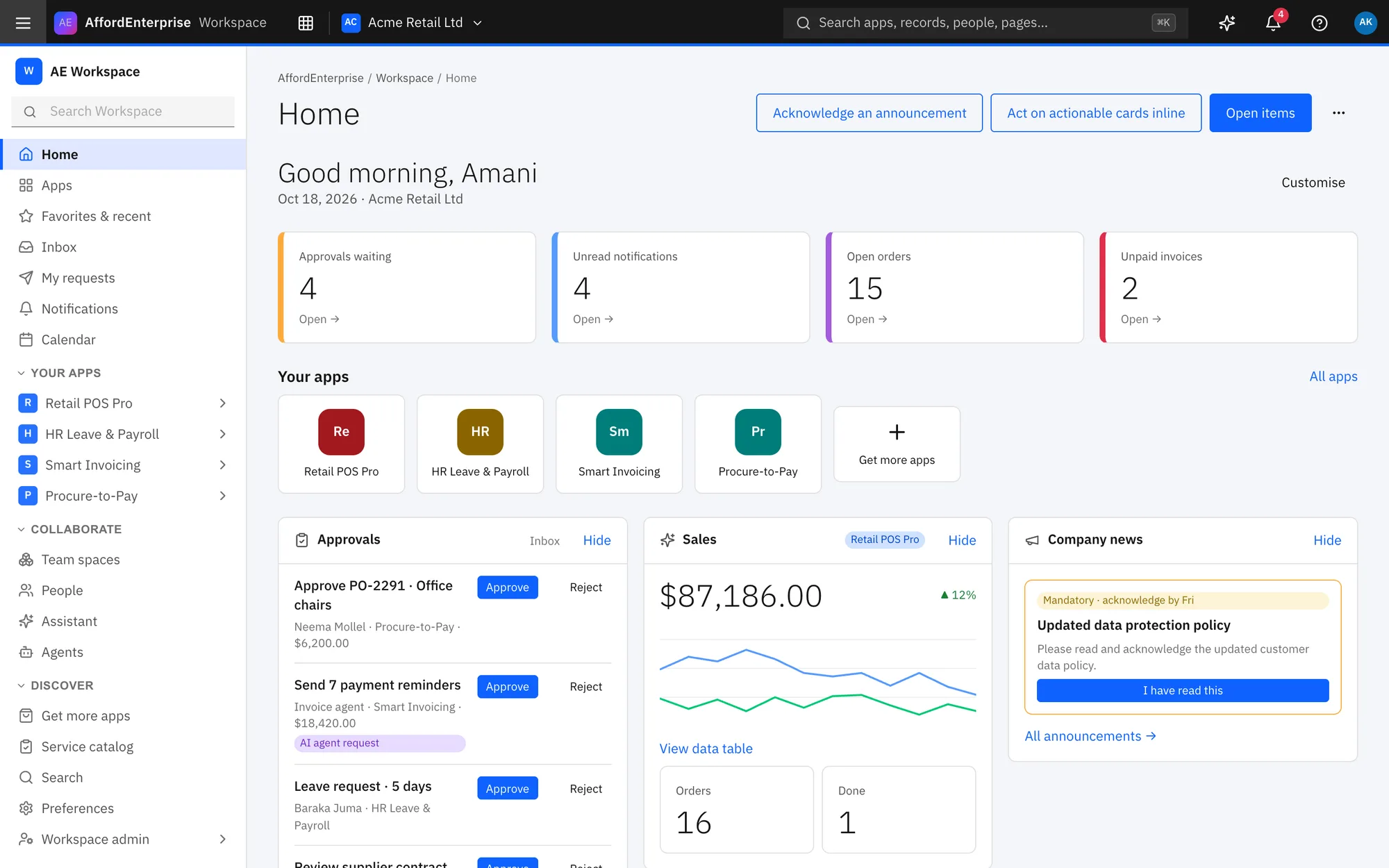
One inbox for every app
Approvals and tasks from all your apps show up together.
Start from a template
The Procurement template in Studio gives you tables, pages and roles to adjust.
Roles decide who sees what
People only see and do what their roles allow.
Ready when you are
Open AE and look around.
See the product for yourself. The guide and demo videos are there when you want help.