

What you get
Built around your day.
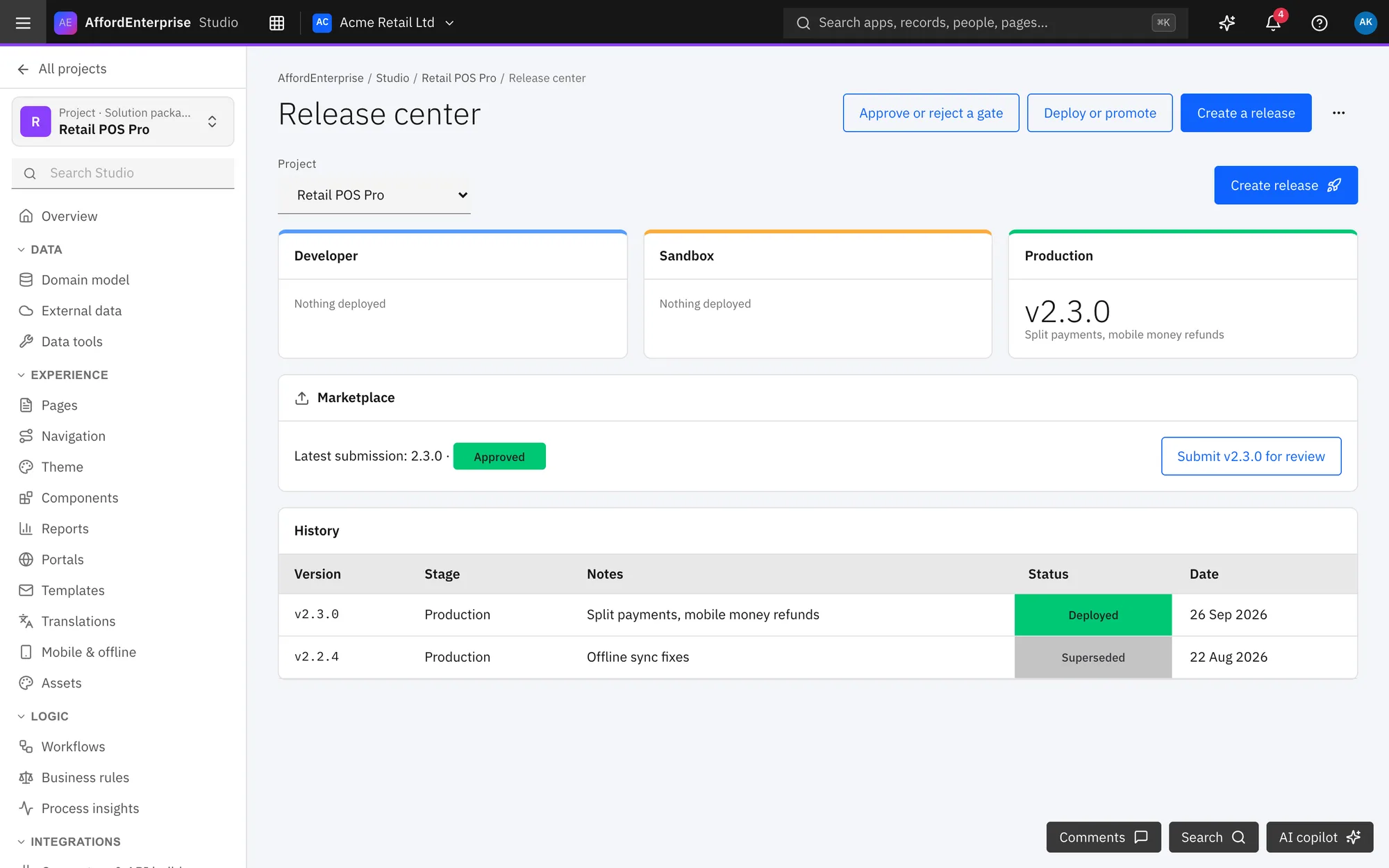
A storefront
Listings, screenshots and reviews buyers can trust.
Your pricing
Plans and offers you control.
Payouts
Revenue and payouts in one view.
Watch
Find an app, try it, buy it and use it
From the storefront to a working app in your launcher.
Read the transcript
J2: Find an app, try it, buy it and use it. This journey goes from the storefront to people using the app in the Workspace, across the Marketplace, Platform, Identity and the Workspace.
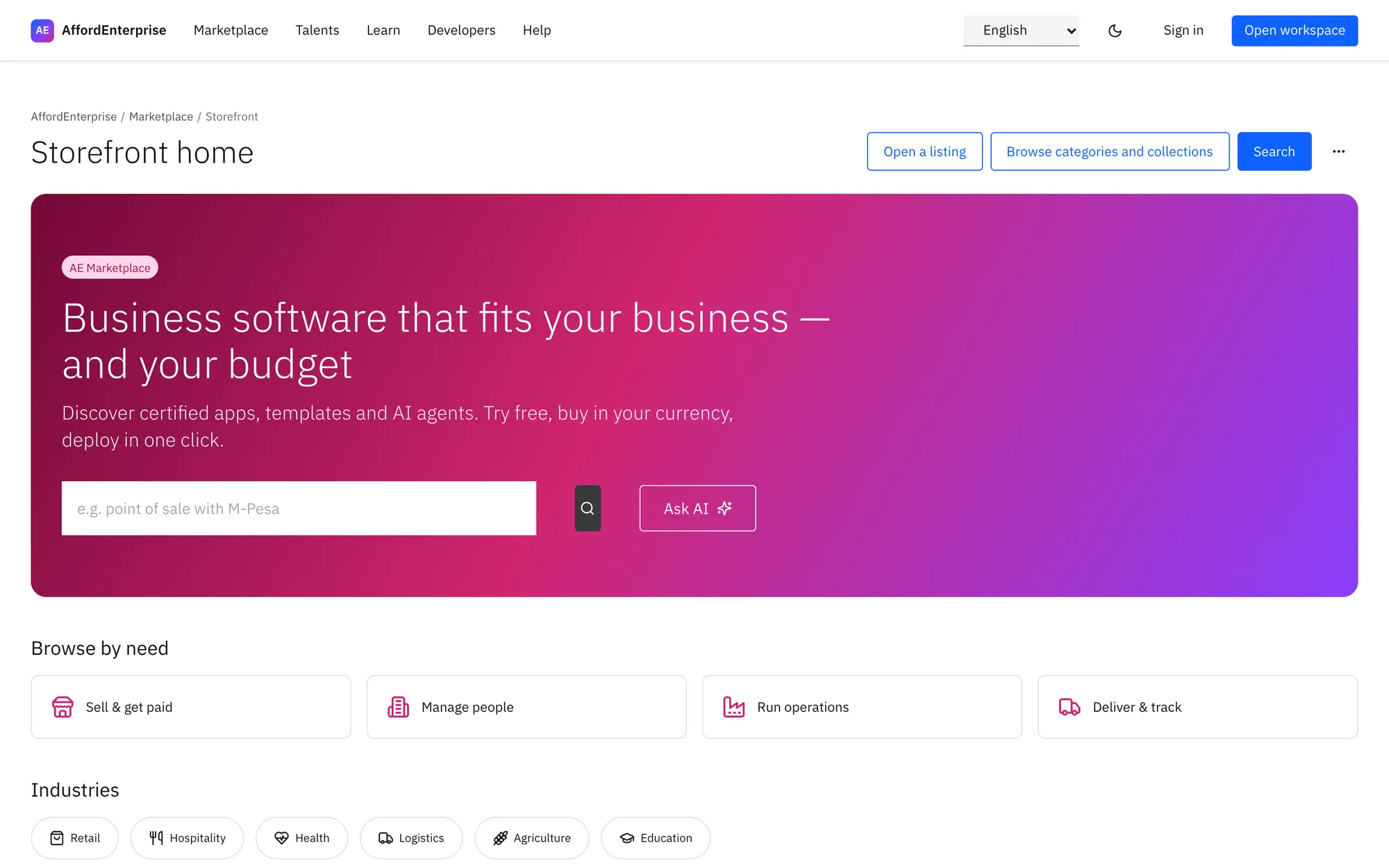
You start in the Marketplace storefront. Type what you need in the search box and press Enter.
Select a category chip, such as retail, to narrow the list.
Select Collections to see sets of apps that editors have put together.
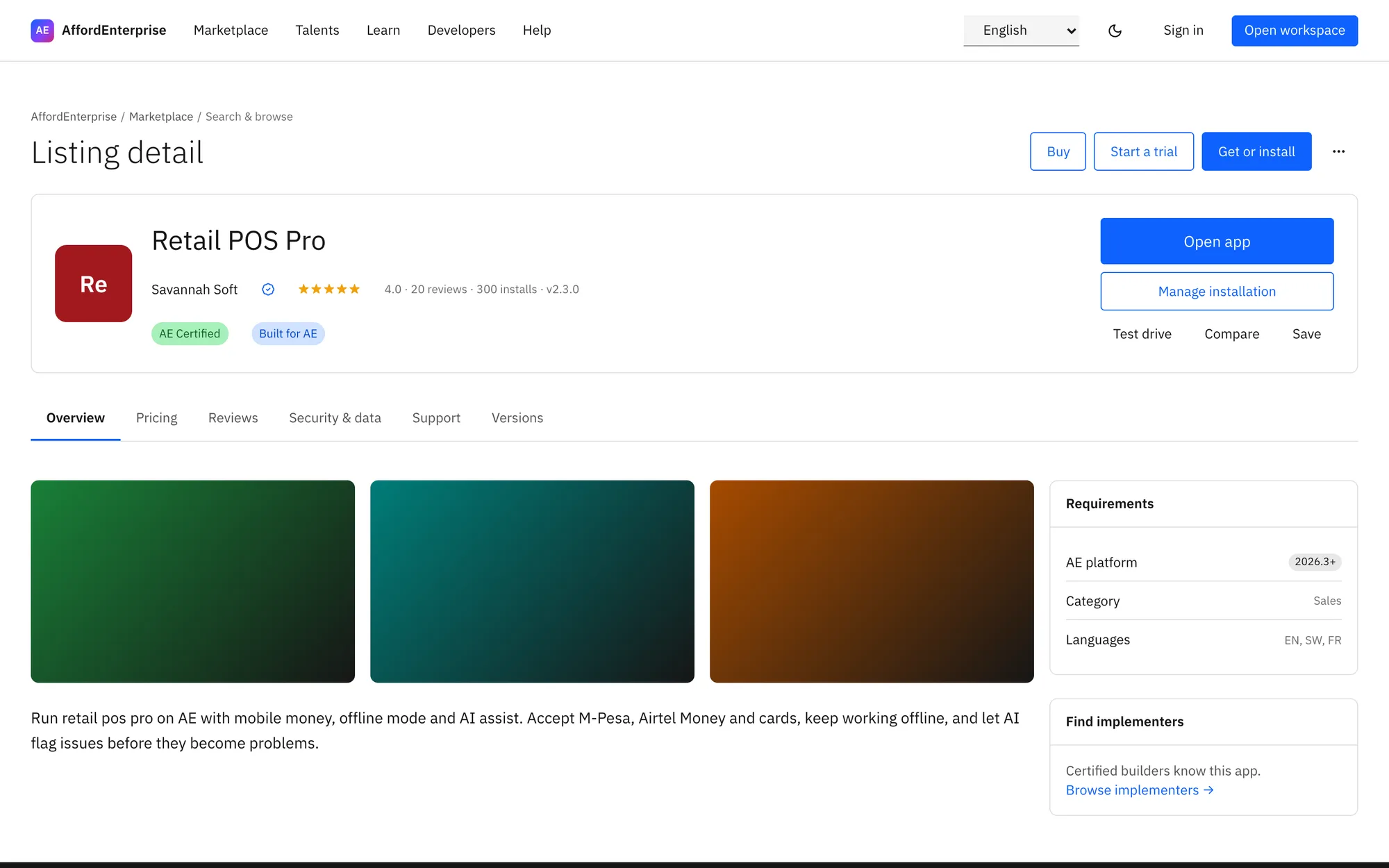
You read the listing and choose a plan. Select See plans to jump to the prices.
Read Pricing: each edition shows its price, whether it is per seat, and any free trial.
Select Buy Team to go to checkout for that edition.
Select Start free trial on an edition that has a trial.
At checkout you add billing details, choose how to pay and place the order. Choose the Edition.
Enter the number of Seats. You assign them to people later.
Fill in Billing details once. They set the tax on your invoices and the currency of prices.
Select Save billing details.
Choose how you will pay: saved method, M-Pesa, bank transfer or card in test mode.
Select Place order.
The install page shows the order turning into an installed app. The steps tick off as the order, the subscription and the install finish.
When it is done, select Open app.
Select Assign licences to give people their seats.
You can change seats or cancel here. Change Seats and click away to save the new number.
Select Cancel to stop renewing.
In Identity you give people licences. Licences lists each per-seat app with Purchased, Assigned and Available seats.
Select Buy more seats when none are left.
People open the app from the launcher in the Workspace. Type in Find an app.
Select the pin to keep an app on your Home.
Select Request for an app that is not in your plan.
Select New deal.
Search with Search and filter with the fields beside it.
Switch the view: Table, Cards, Board, Calendar, Timeline or Pivot.
Select Export CSV.
That is it. To read the steps again, open the guide: Storefront home, Listing detail, Checkout, Install wizard and progress, Marketplace subscriptions, Licences and seats.
Ready when you are
Open AE and look around.
See the product for yourself. The guide and demo videos are there when you want help.