

How it works
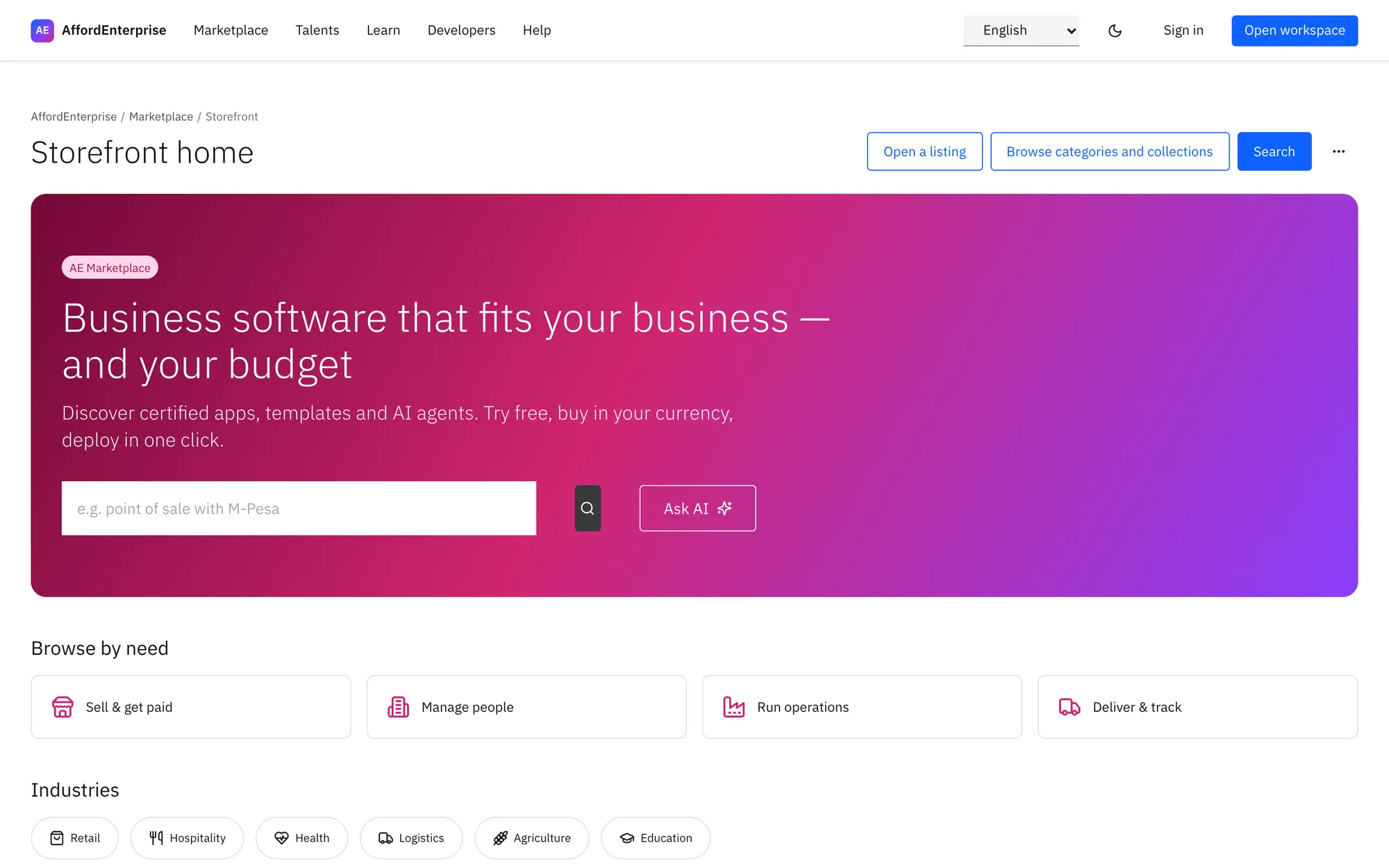
Three steps.
Find
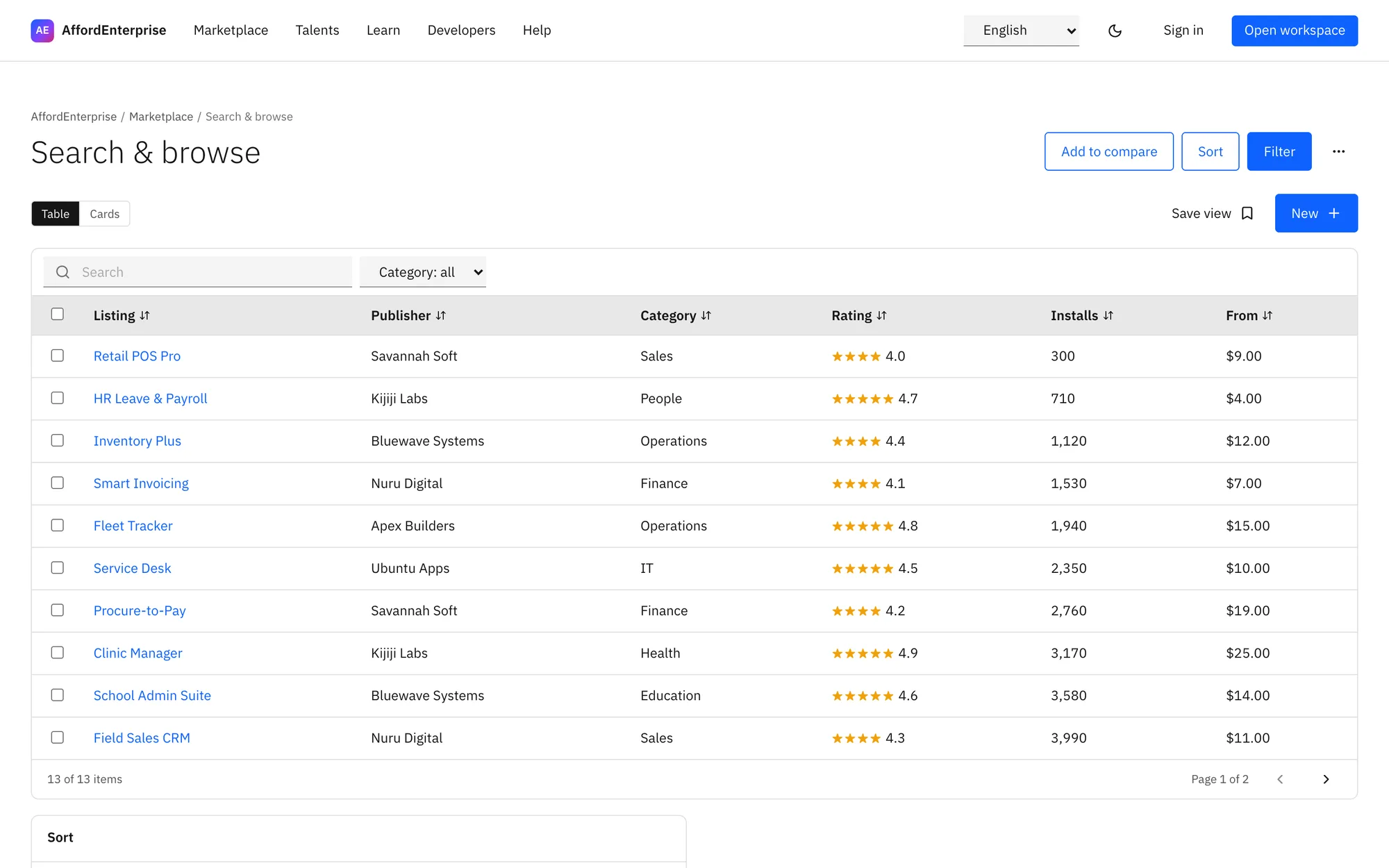
Search, browse by need, or compare two apps side by side.
Try
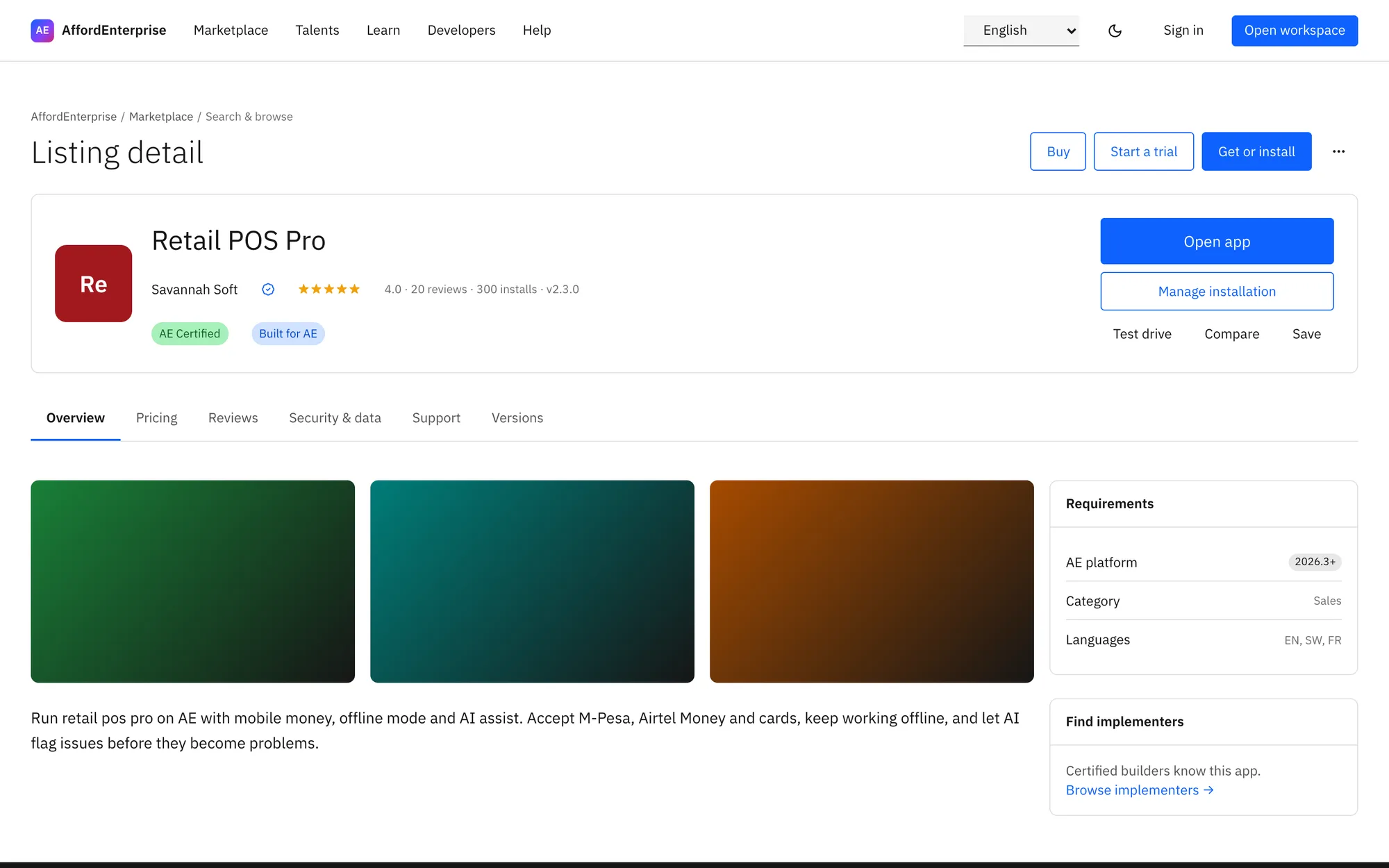
Start a trial or test drive before you pay.
Install
Check out, then install into your organisation and assign seats.
In the product
See it in use.
Who uses it
Made for these people.
- Businesses looking for ready-made apps
- Providers who sell apps and AI agents
- Admins who control which apps are allowed
Try before you buy
Trials and test drives on listings.
Pay your way
Saved method, M-Pesa or bank transfer, with tax set from your billing details.
Providers get a storefront
Listings, plans, review status and payouts in one place.
Read the transcript
Clip: Checkout. A closer look at checkout, from edition to order.
Choose the Edition.
Enter the number of Seats. You assign them to people later.
Fill in Billing details once. They set the tax on your invoices and the currency of prices.
Select Save billing details.
Choose how you will pay: saved method, M-Pesa, bank transfer or card in test mode.
Select Place order.
That is it. To read the steps again, open the guide: Checkout.
Ready when you are
Open AE and look around.
See the product for yourself. The guide and demo videos are there when you want help.