

Templates
Start from a template, not a blank page.
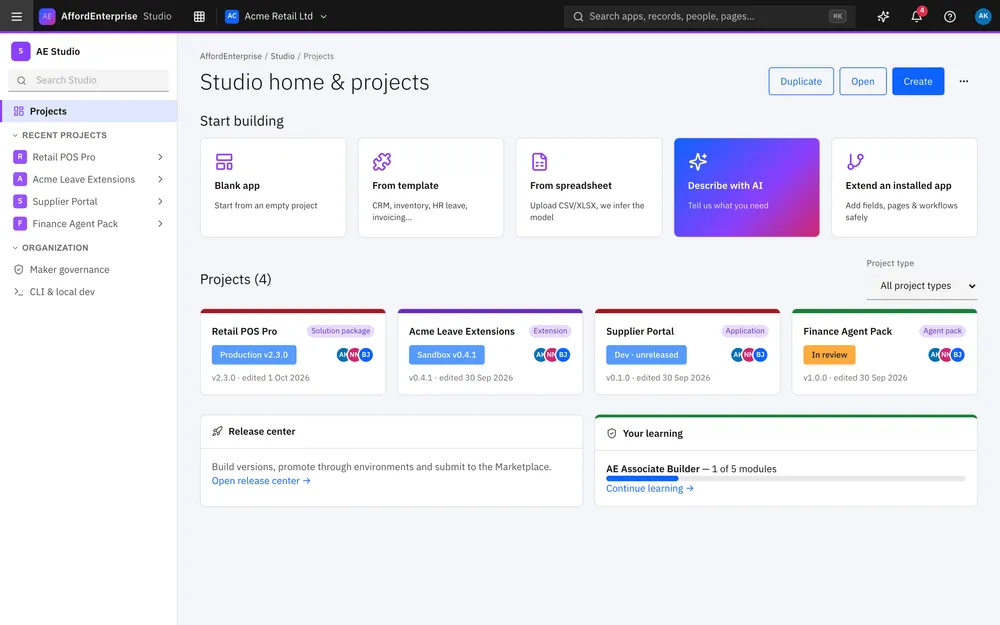
AE is not tied to one team. When you create a project in Studio, you can begin from a template, or start blank. Each template gives you a working app with tables, pages and roles. Change it, then release it in stages.
Starting points.
The first six are in Studio today. The rest are placeholders for templates we plan to build.
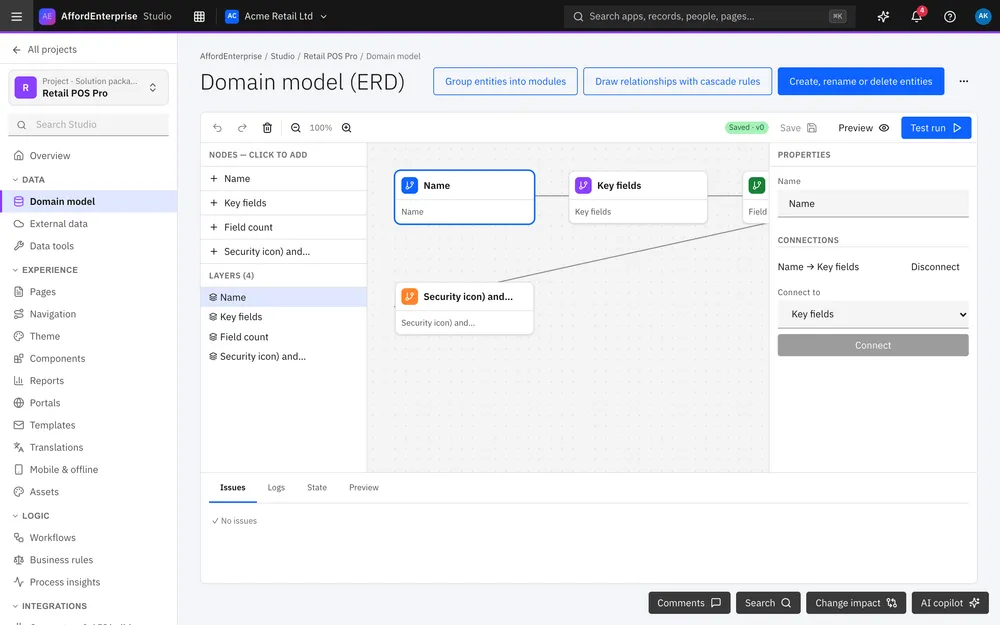
Sales and marketing
Sales CRM
A working app with tables, pages and roles, ready to adjust.
Keep customers and deals in one place →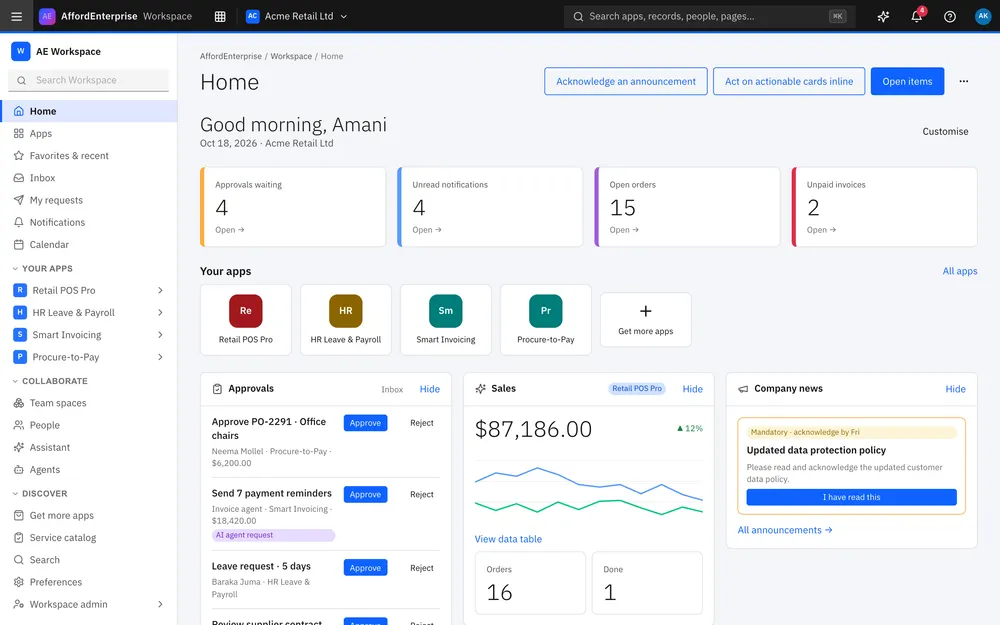
Operations
Inventory
A working app with tables, pages and roles, ready to adjust.
Use-case page coming soon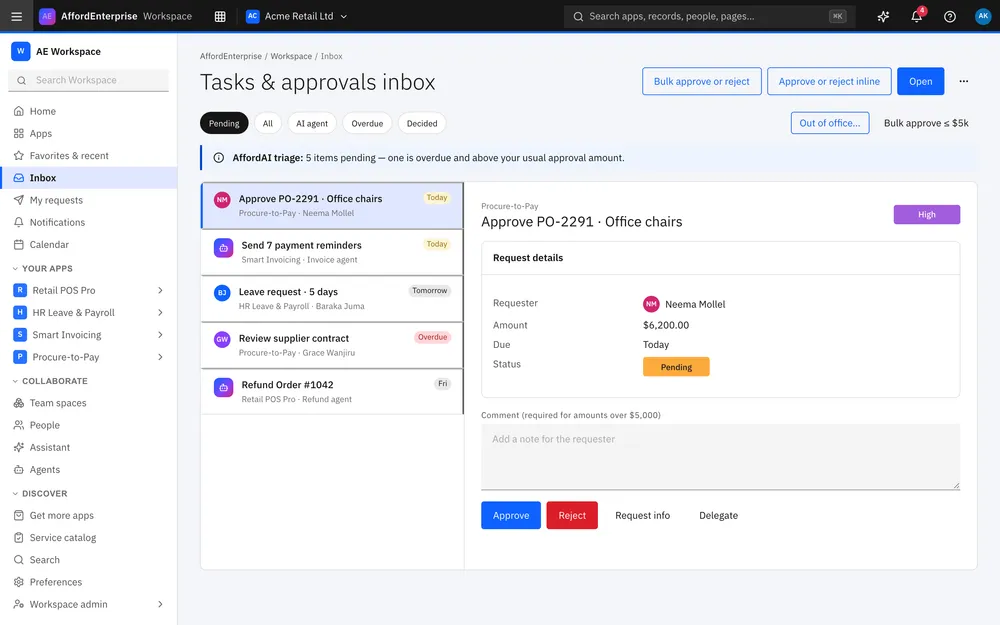
People
HR leave
A working app with tables, pages and roles, ready to adjust.
Handle leave requests in one place →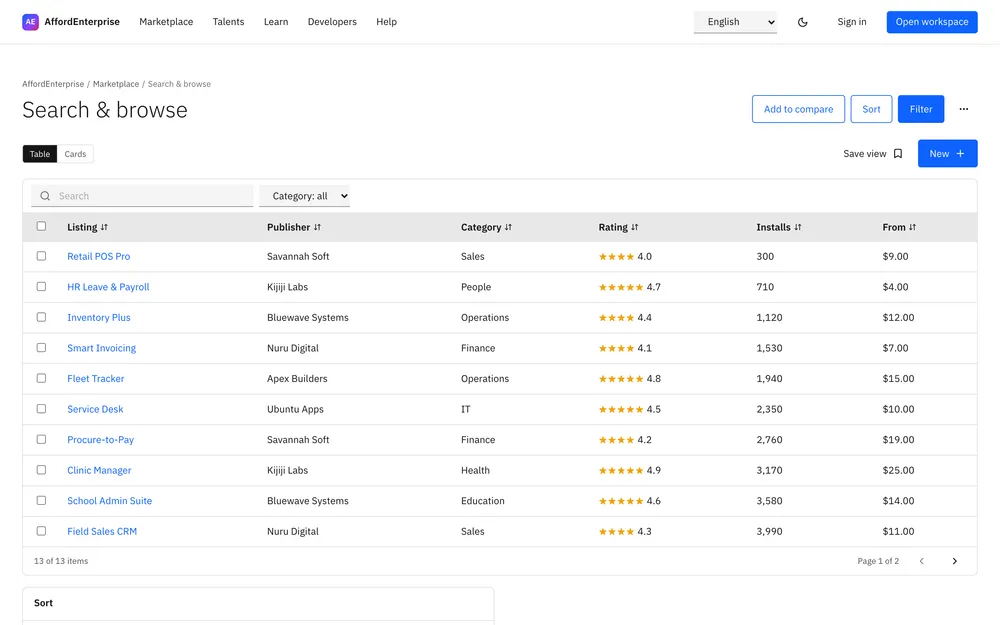
Finance
Procurement
A working app with tables, pages and roles, ready to adjust.
Approve purchases in one inbox →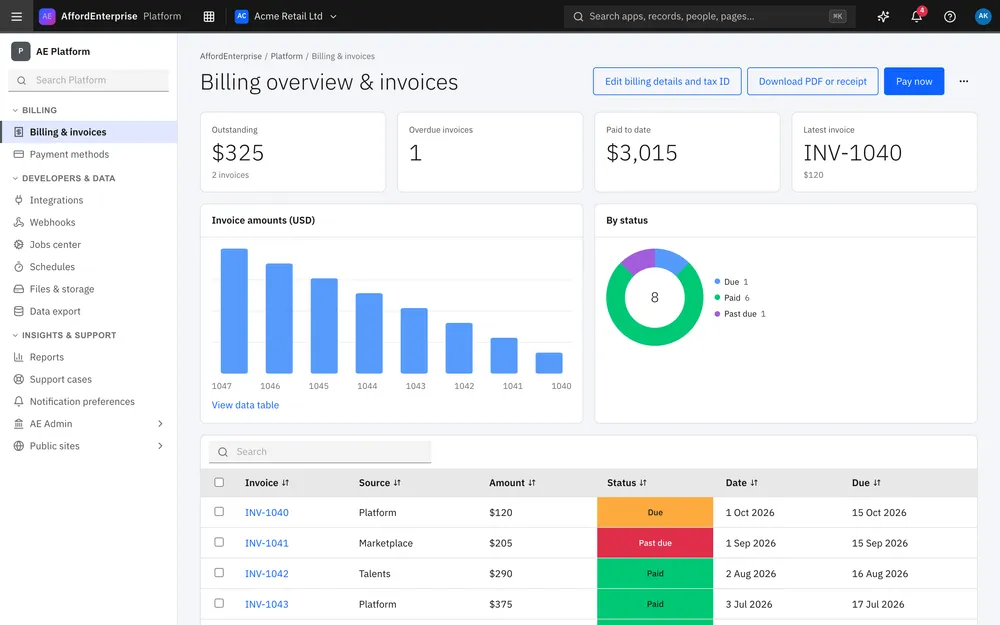
Finance
Invoicing
A working app with tables, pages and roles, ready to adjust.
Chase unpaid invoices with an AI agent →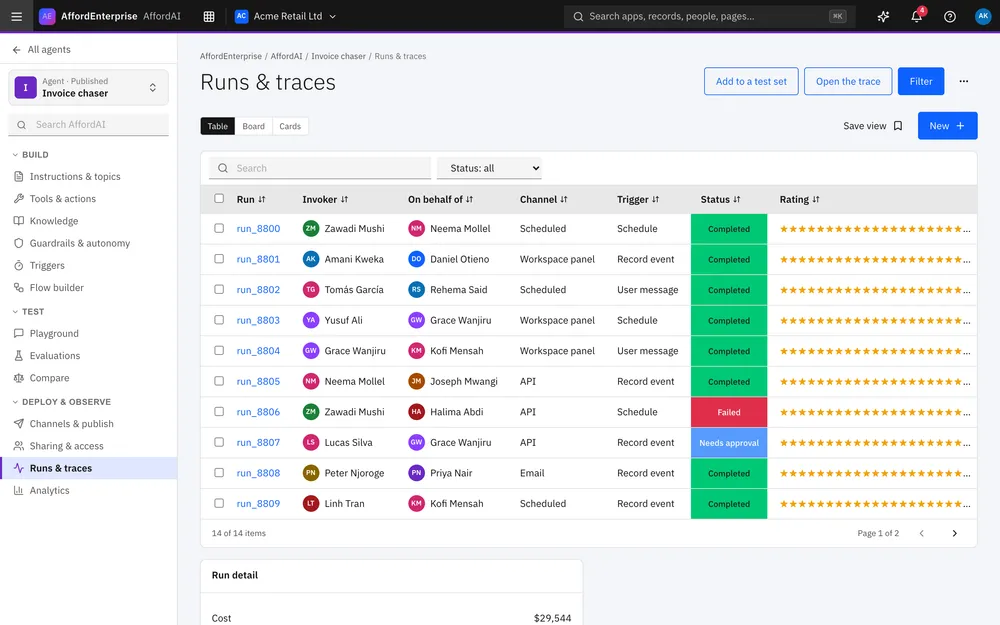
Support
Service desk
A working app with tables, pages and roles, ready to adjust.
Use-case page coming soon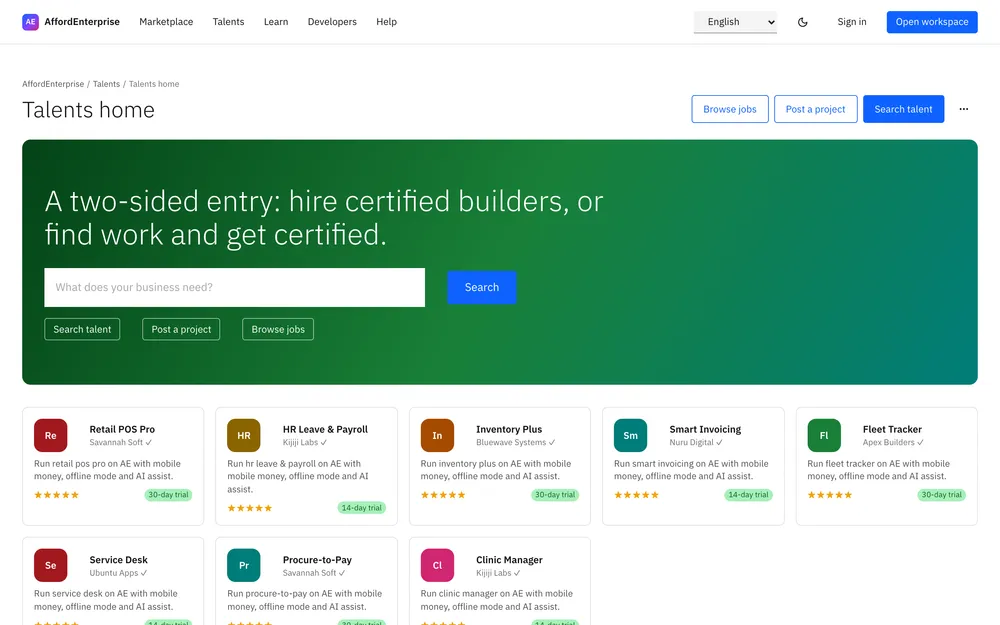
Sales and marketing
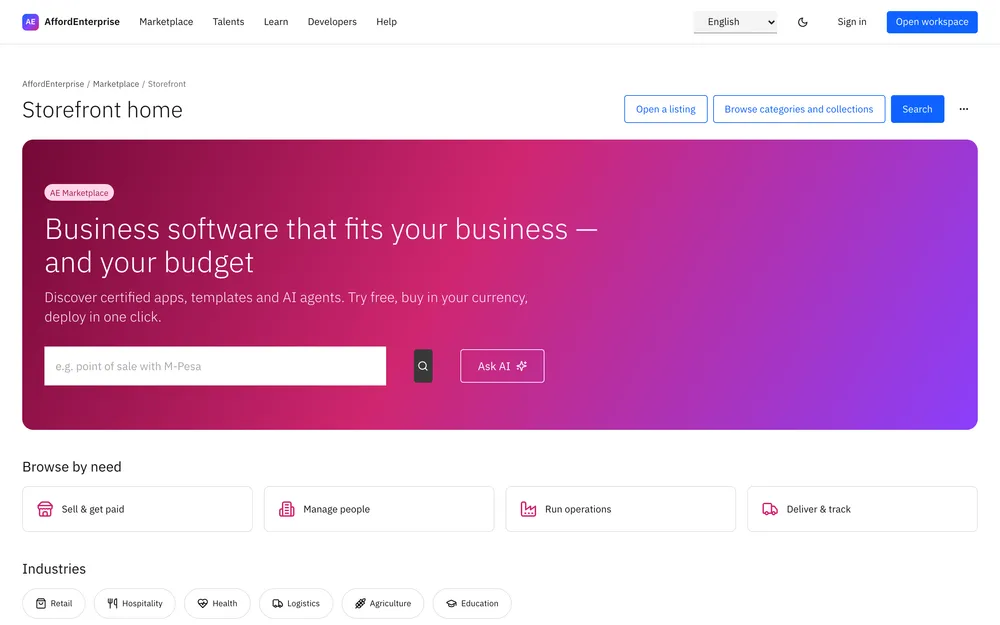
Events
In planning. Not available yet.
Sales and marketing
Lead tracker
In planning. Not available yet.
Sales and marketing
Campaign planner
In planning. Not available yet.
Sales and marketing
Quotes
In planning. Not available yet.
Operations
Projects
In planning. Not available yet.
Operations
Fleet tracker
In planning. Not available yet.
Operations
Asset register
In planning. Not available yet.
Operations
Field service
In planning. Not available yet.
People
Recruitment
In planning. Not available yet.
People
Onboarding
In planning. Not available yet.
People
Performance reviews
In planning. Not available yet.
Finance
Expenses
In planning. Not available yet.
Finance
Budgets
In planning. Not available yet.
Support
IT requests
In planning. Not available yet.
Support
Complaints log
In planning. Not available yet.
Industry
Clinic manager
In planning. Not available yet.
Industry
School admin
In planning. Not available yet.
Industry
Property manager
In planning. Not available yet.
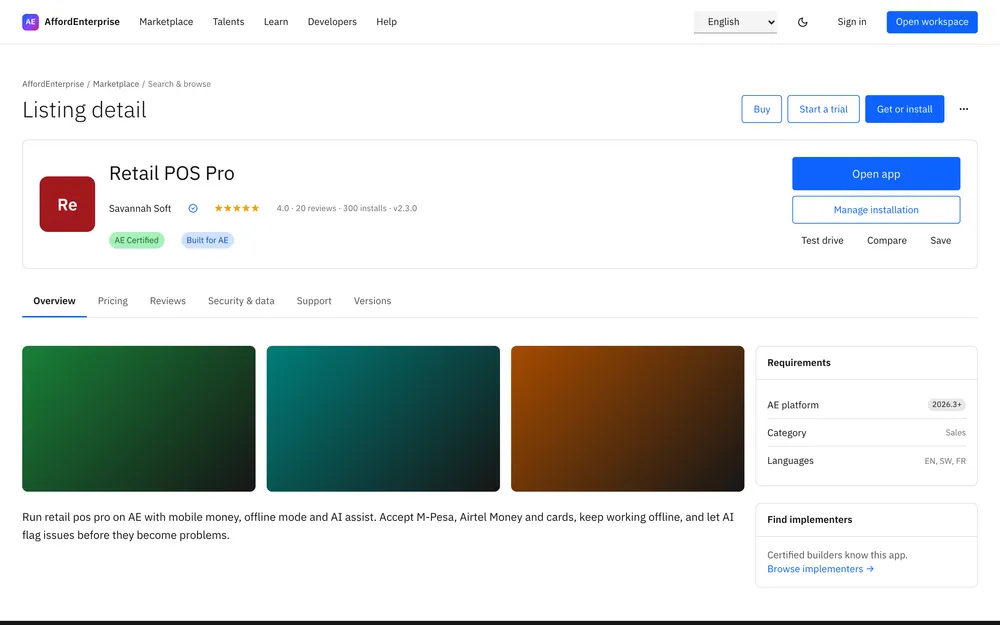
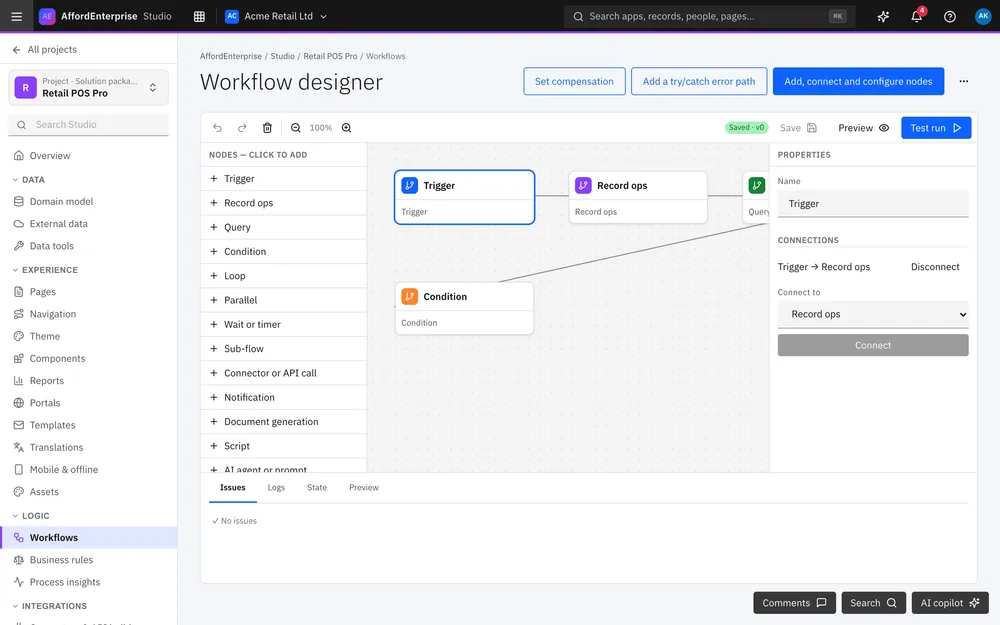
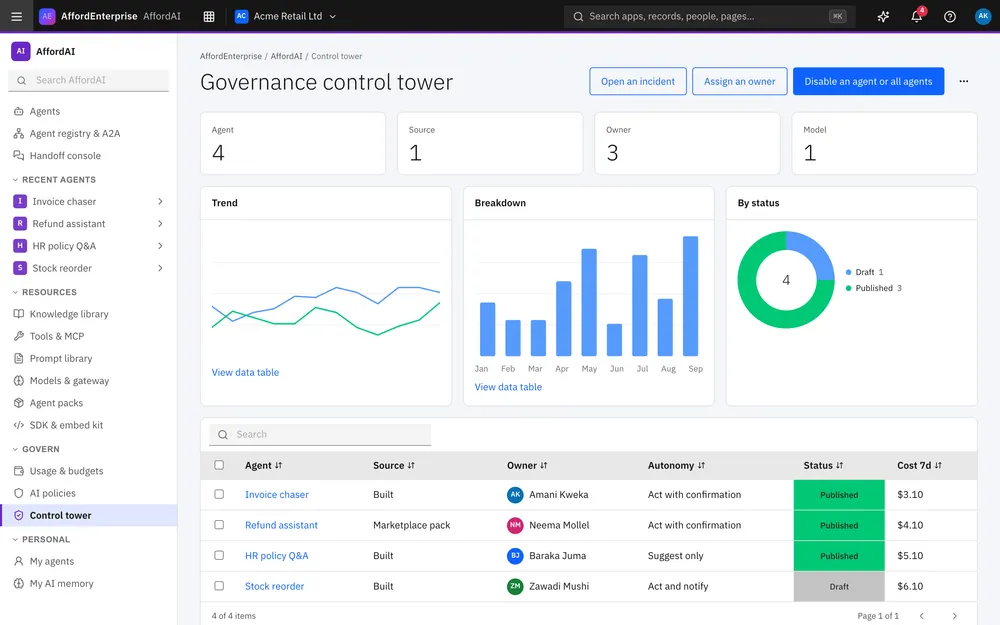
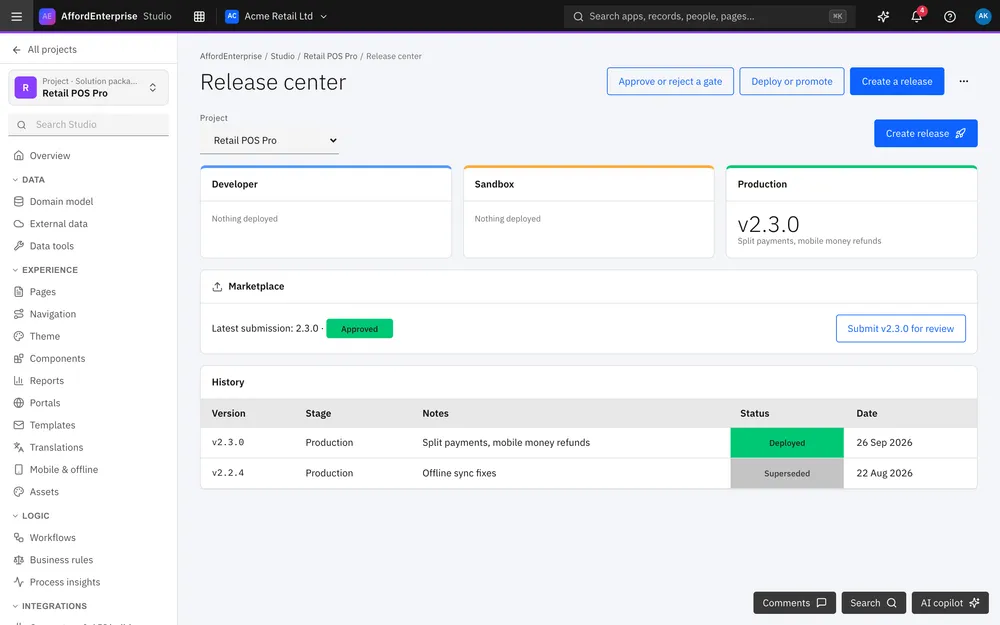
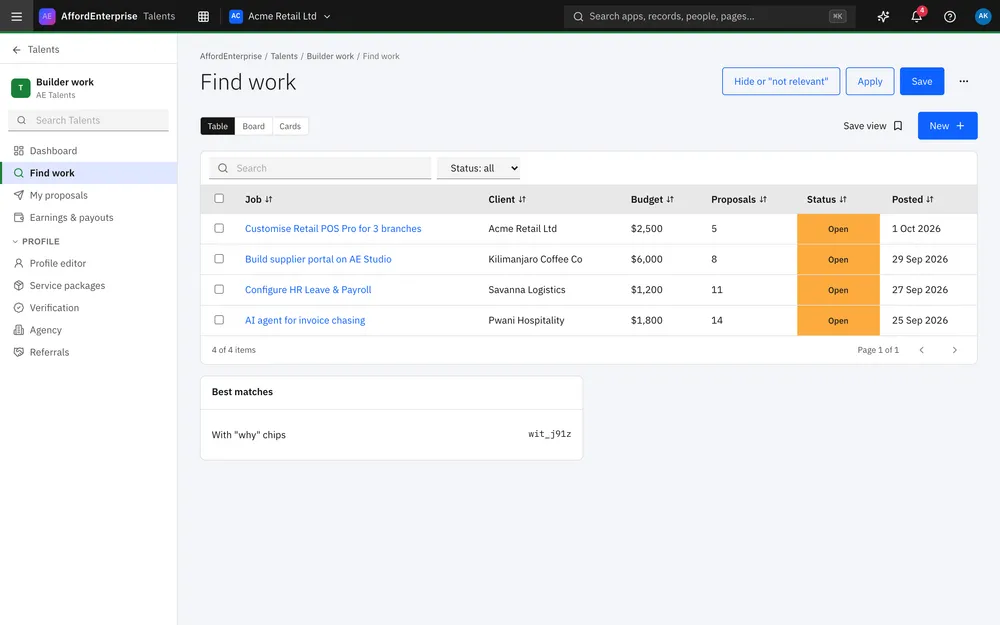
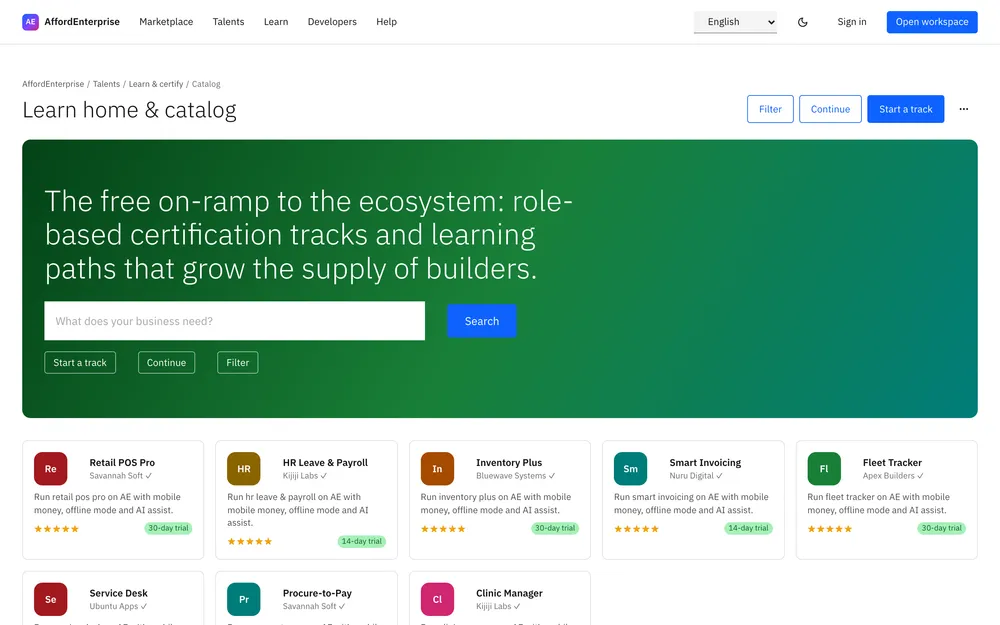
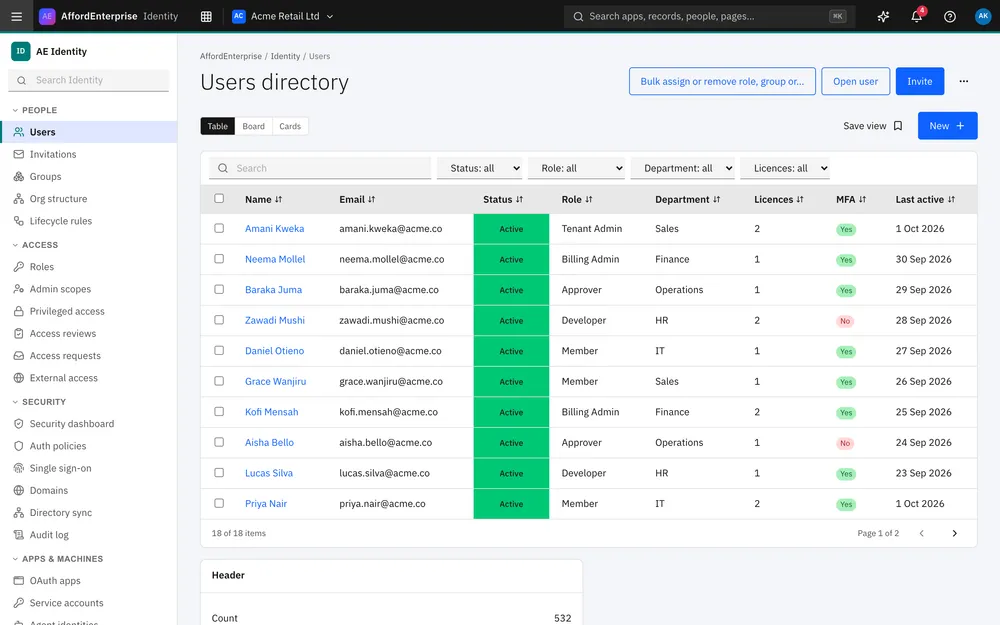
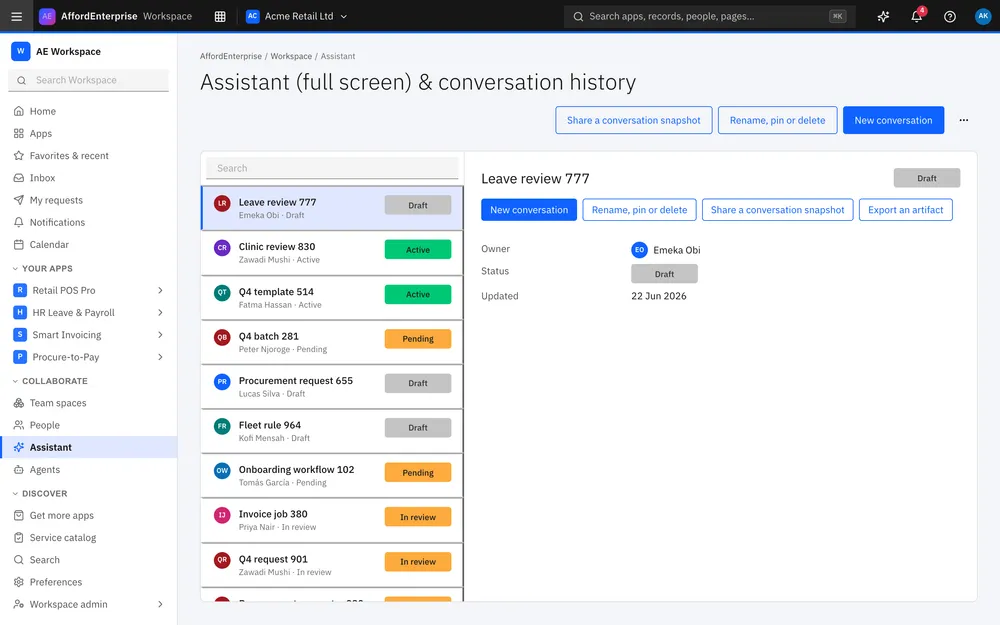
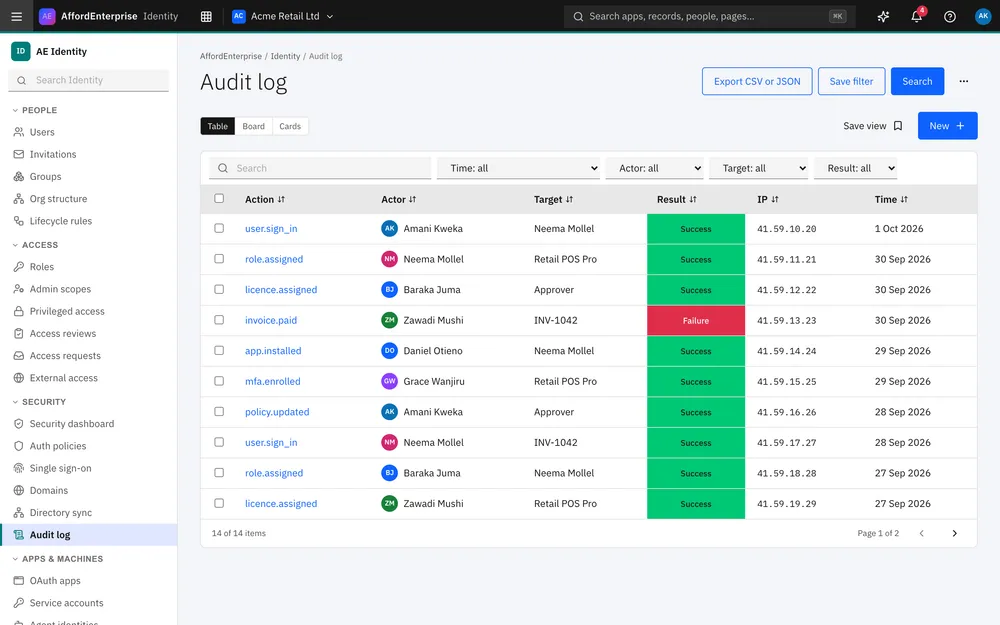
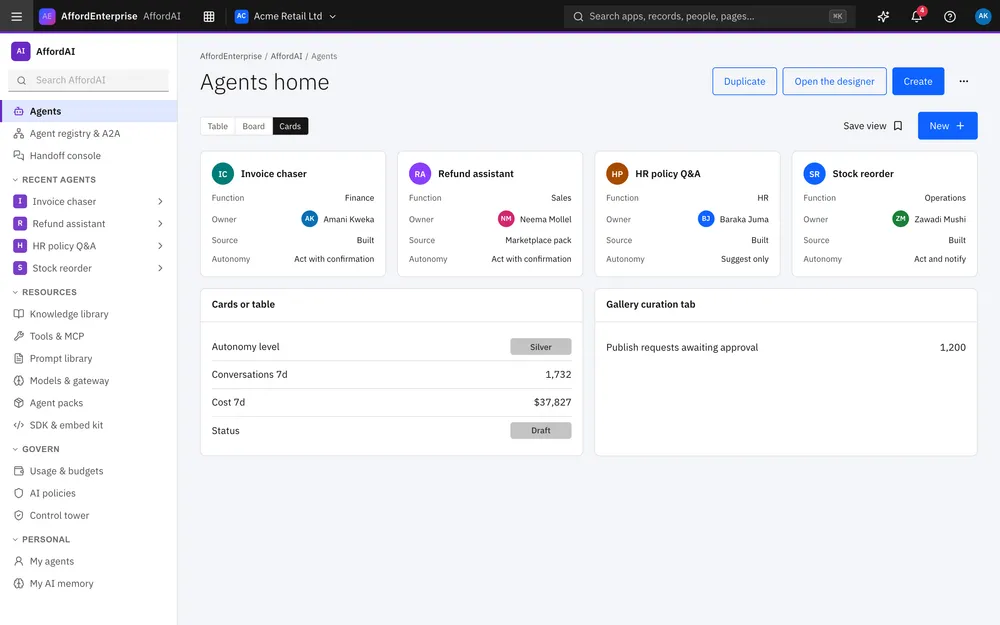
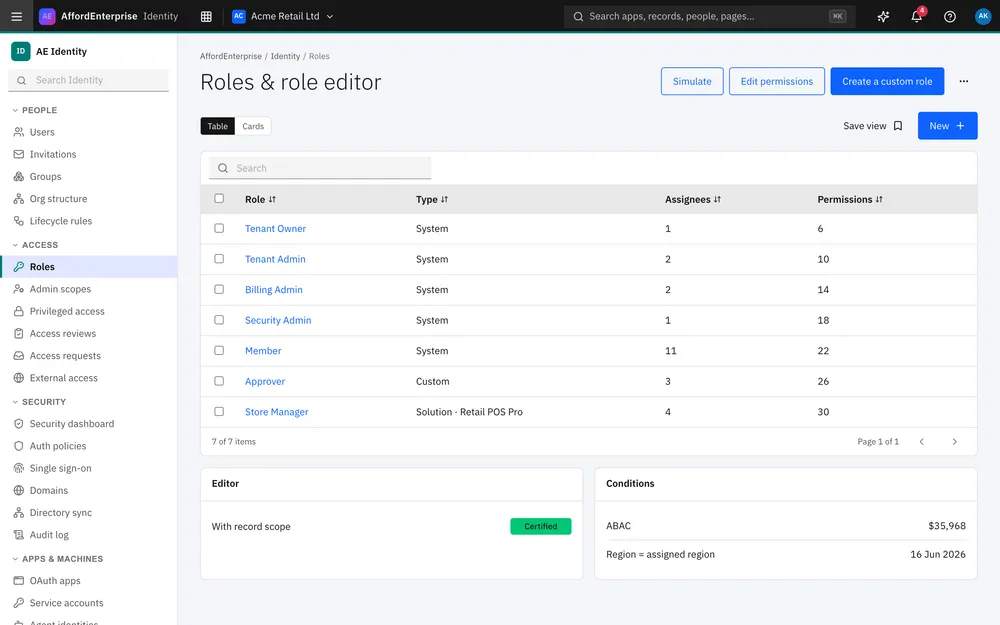
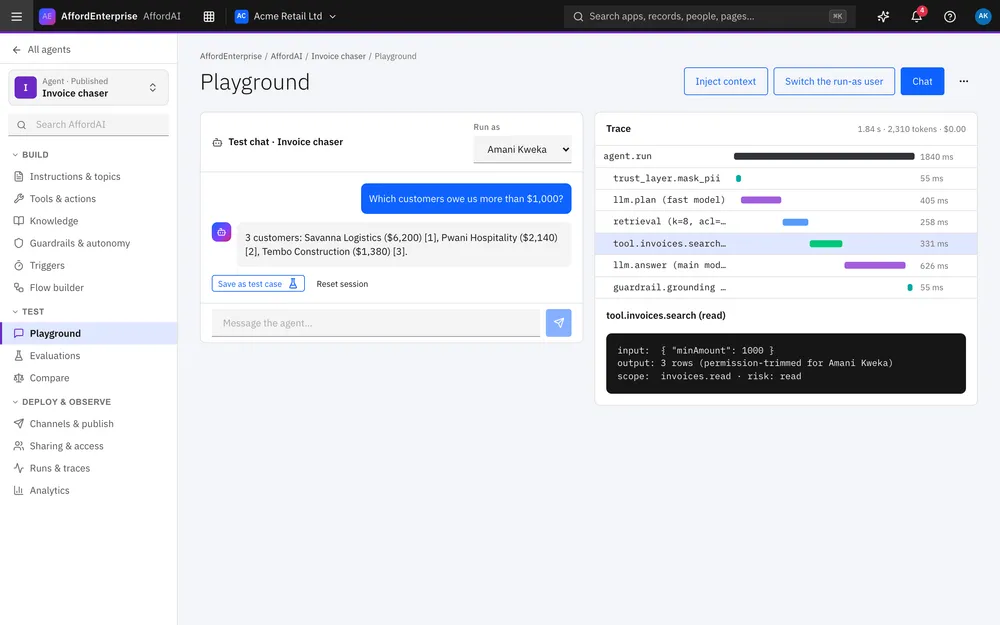
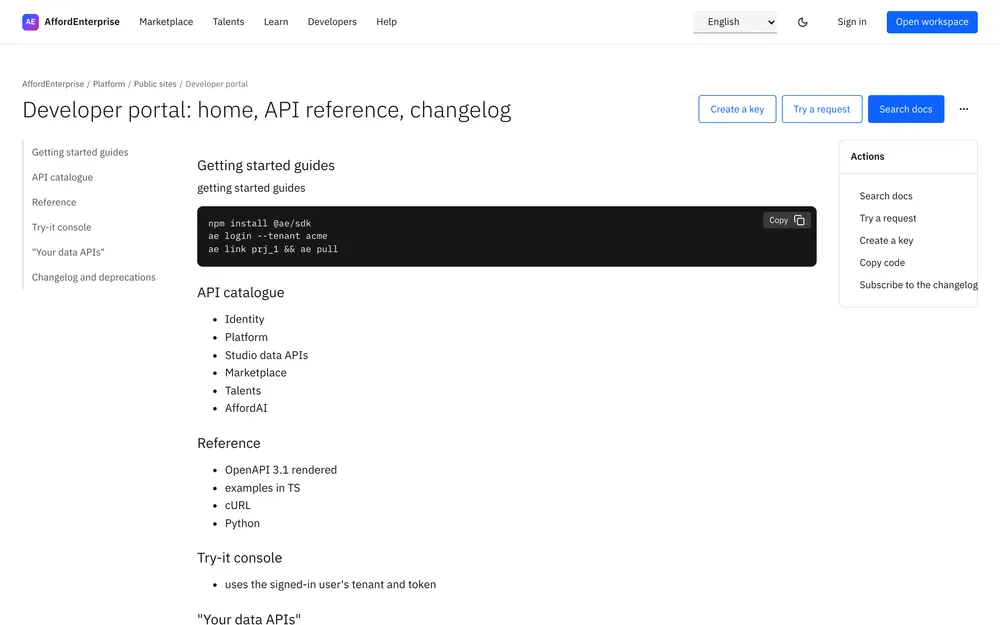
Thumbnails are stand-in screens from the app, not each template's own screen. They will be replaced.
In Studio
Choose From template when you create a project.
You can also start blank, from a spreadsheet, or by describing the app to AI. AI and spreadsheet starts open a draft for you to review before anything is saved.
How Studio works →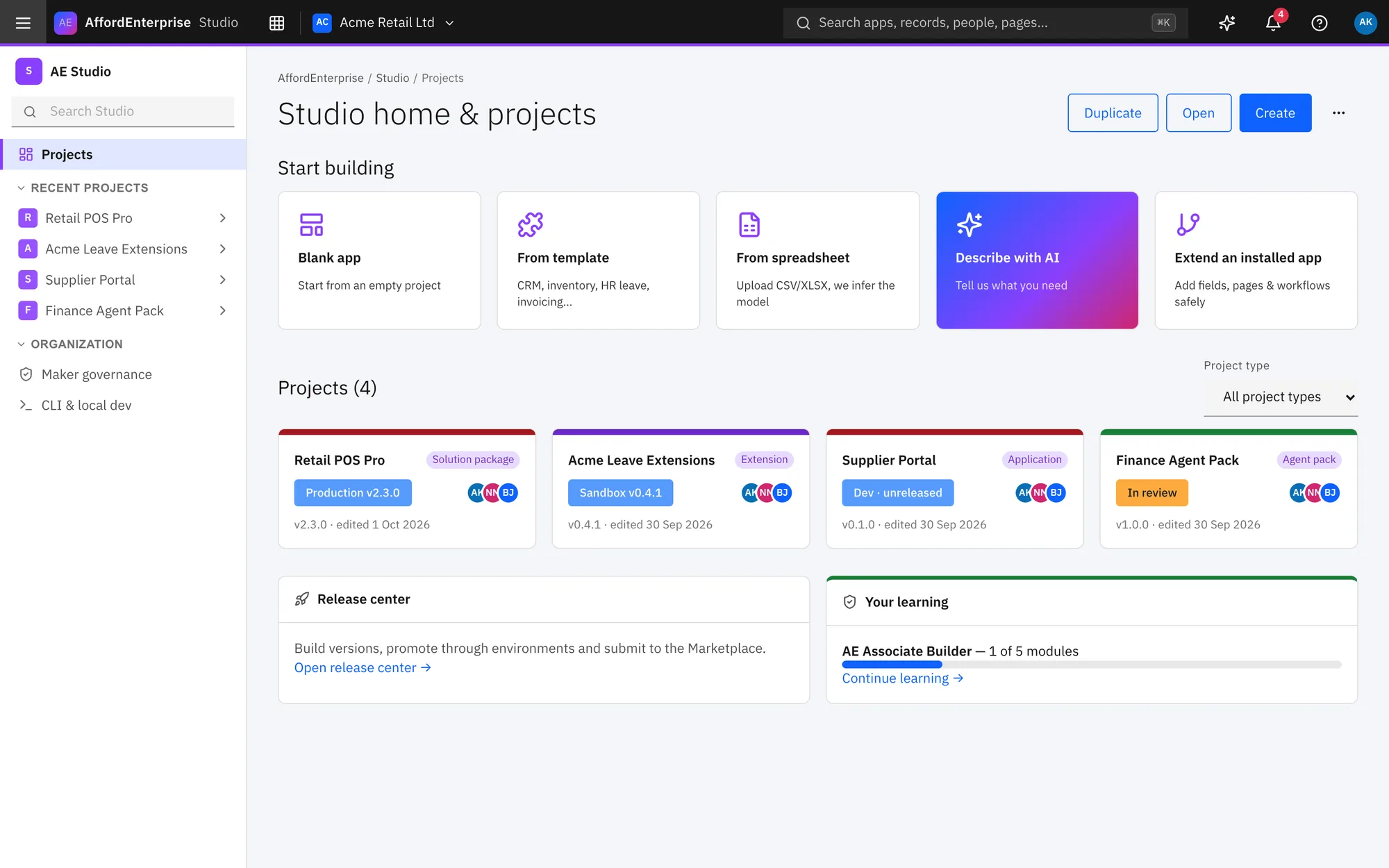
Templates on the Marketplace
The Marketplace also lists apps, templates and agents from providers. Try them, then install.
Browse the Marketplace →Sell your own template
Providers can publish apps and templates for every AE customer. Providers join free.
For providers →Ready when you are
Open AE and look around.
See the product for yourself. The guide and demo videos are there when you want help.