

Home / Product / Studio
Build the app your business needs. Without writing code.
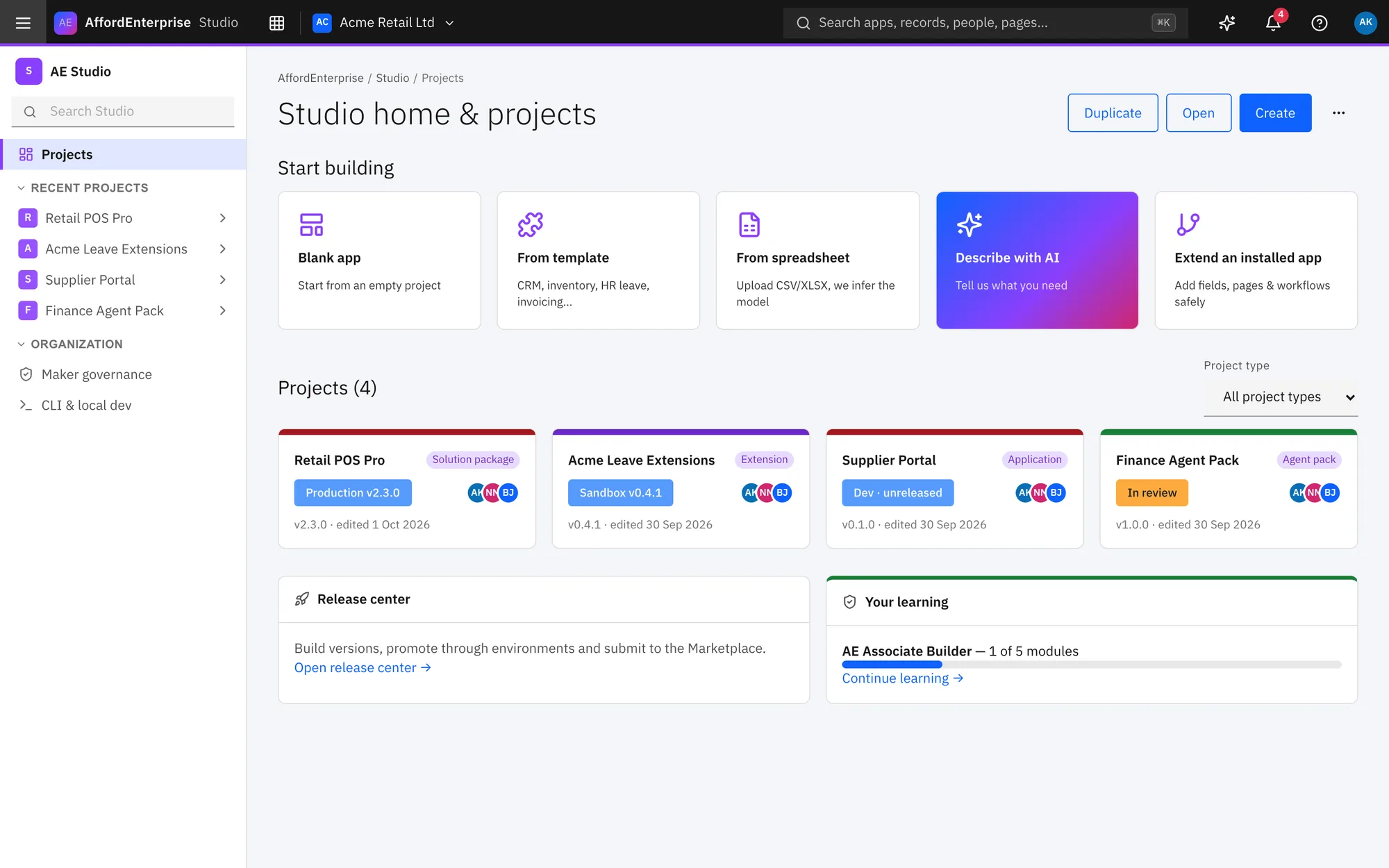
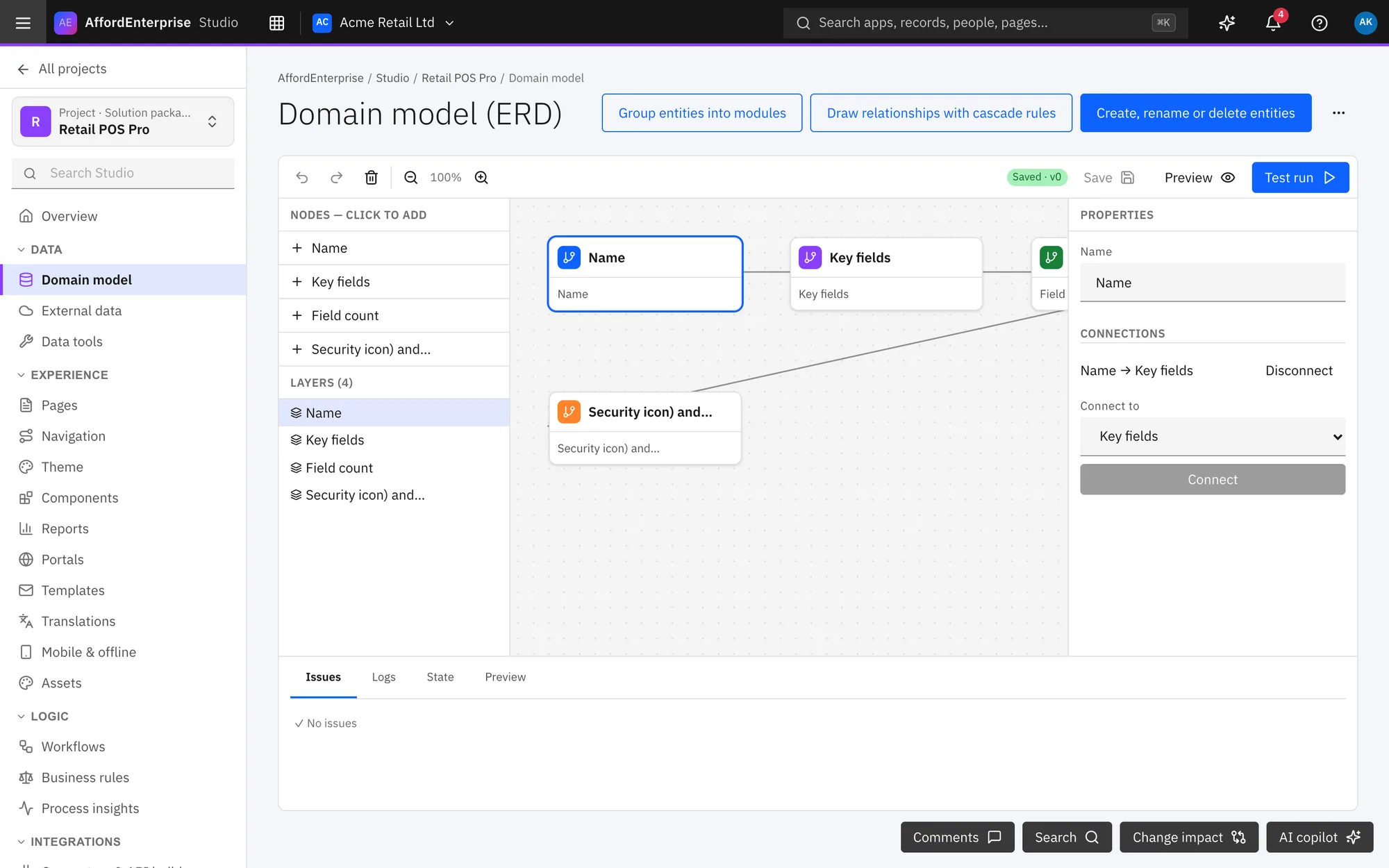
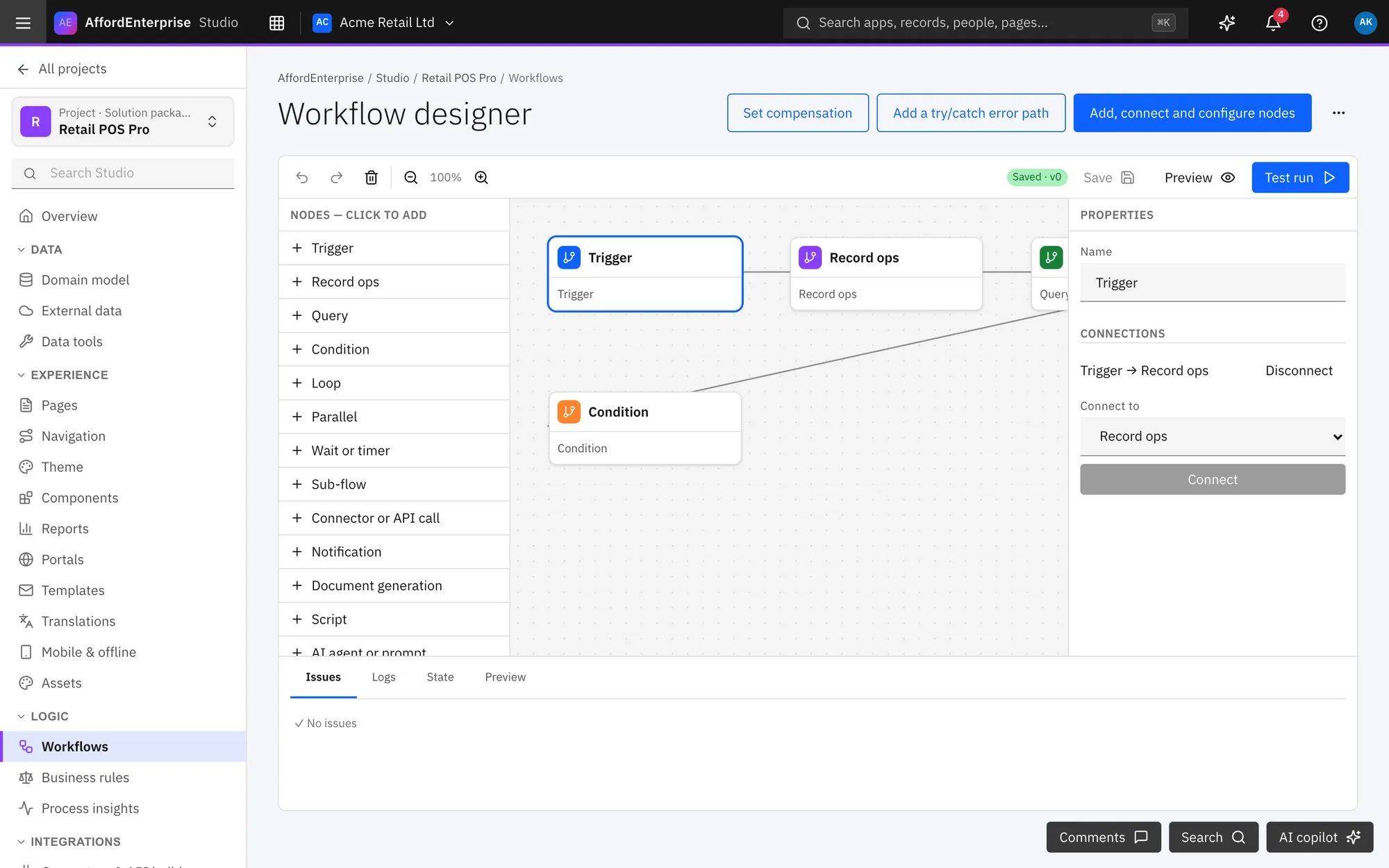
Model your data, design pages, draw workflows and set who can do what. Then test in a sandbox, release in steps and watch the app run. Start blank, from a template, from a spreadsheet, or by describing it to AI.
How it works
Three steps.
Describe or start
Pick a template, upload a spreadsheet, or tell AI what you need.
Shape it
Add data, pages, workflows and roles. Preview as you go.
Release safely
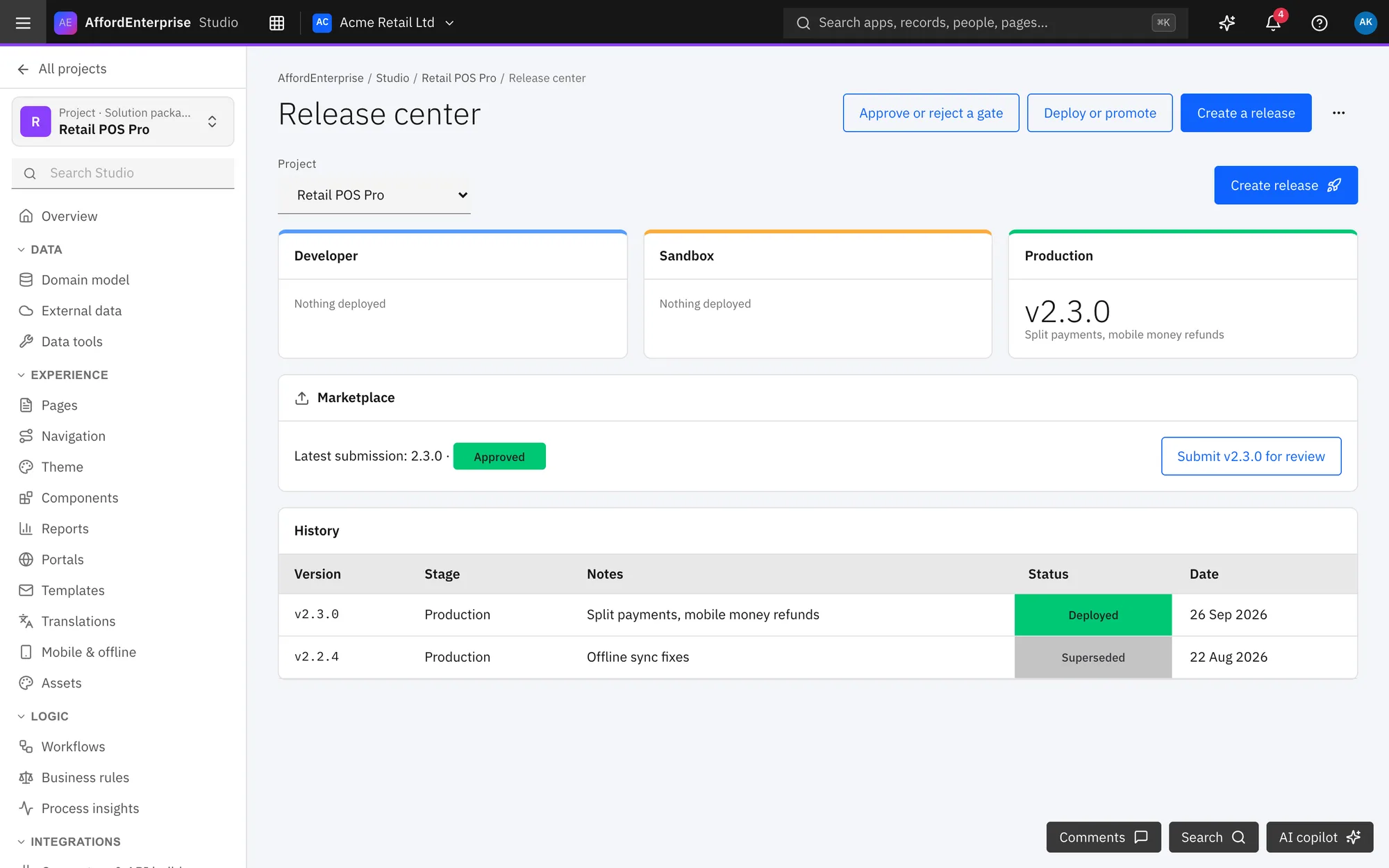
Try it in a sandbox, then promote it stage by stage.
In the product
See it in use.
Who uses it
Made for these people.
- Power users and makers inside a business
- Builders and agencies delivering apps for clients
- Developers who want custom code and Git
A release pipeline, not a leap of faith
Developer, Sandbox and Production stages with review gates.
Permissions built in
Roles and a permission matrix for every app you build.
Developers welcome
Custom code, automated tests and branches when you want them.
Read the transcript
Clip: Release center. A closer look at the release center: build, release and promote.
Select Create release.
Select Edit pipeline to change the stages.
Select Run tests against a stage.
Draft changes with AI opens the copilot.
That is it. To read the steps again, open the guide: Release center.
Ready when you are
Open AE and look around.
See the product for yourself. The guide and demo videos are there when you want help.