

Security and trust
Control who can do what. See what happened.
This page describes what AE does today, in plain words. It does not claim certifications we do not hold.
What AE does today
Roles that fit your business
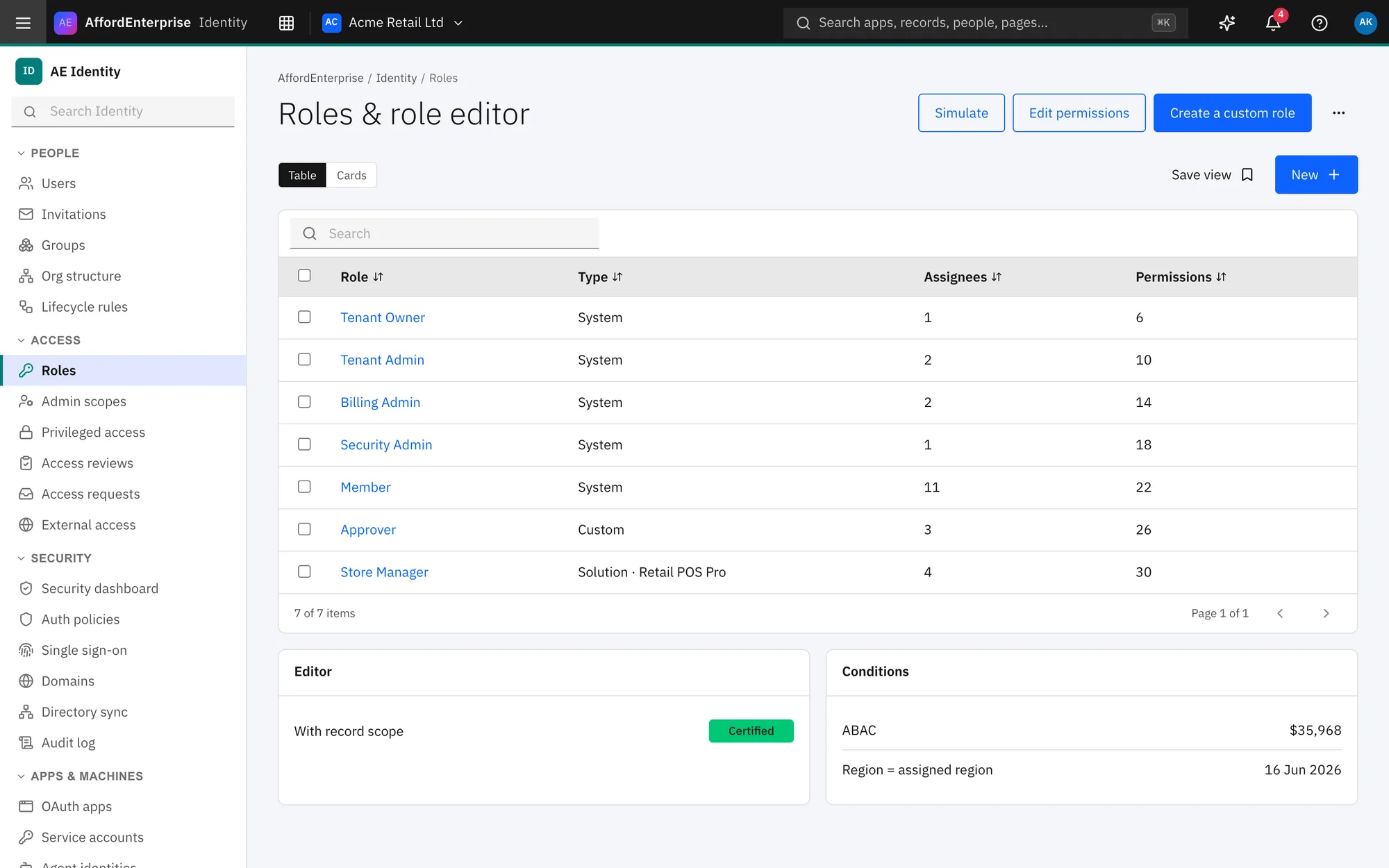
Use the built-in roles or make your own. A simulator shows what a role can do before you save it.
Groups and structure
Organise people into groups and units. Bring people in by invitation, bulk import or directory sync (SCIM and LDAP).
Stronger sign-in
Two-step sign-in and session controls for everyone. Authentication policies on Team. Single sign-on on Business.
Four-eyes approvals
Sensitive, privileged actions can require a second person to approve them.
Access reviews and requests
Ask for access, approve it, and review who has what on a schedule.
An audit log you can read
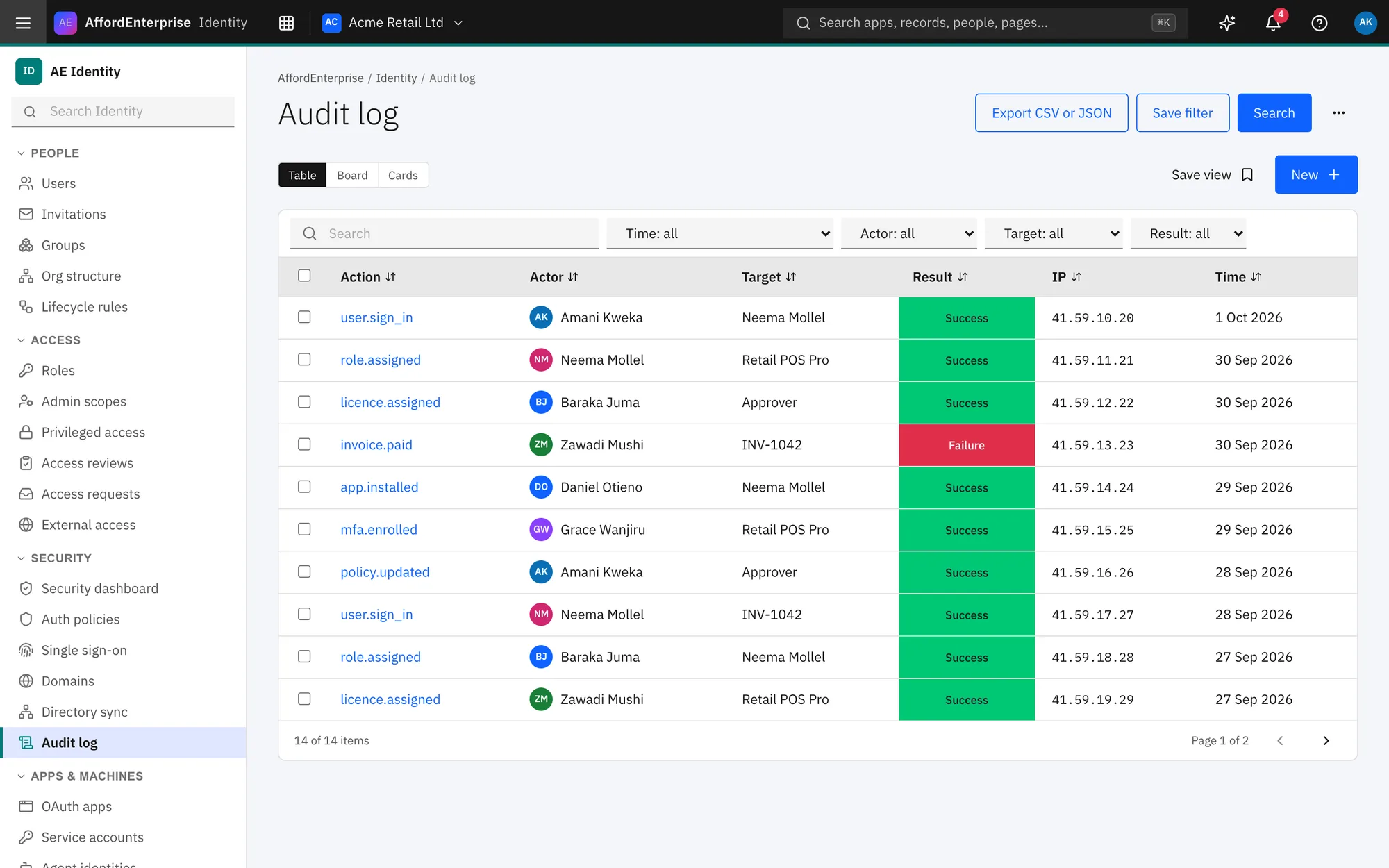
See who did what and when, filter it, and export it. Retention is 90 days on Team and 1 year on Business.
Separate environments
Production, sandbox and developer environments keep their data apart. Your data region is shown in Identity.
You see your own security
A security dashboard for admins. Every person can review their own sessions, devices and sign-in alerts.
See it
Roles and audit, in the product.
What we have not claimed yet
We do not display compliance badges, certifications or audit reports here because we have none to show yet. When that changes, this page will say exactly which and link to the evidence.
Report a problem
Found a security issue? Contact us and we will respond.
Ready when you are
Open AE and look around.
See the product for yourself. The guide and demo videos are there when you want help.