

What you get
Built around your day.
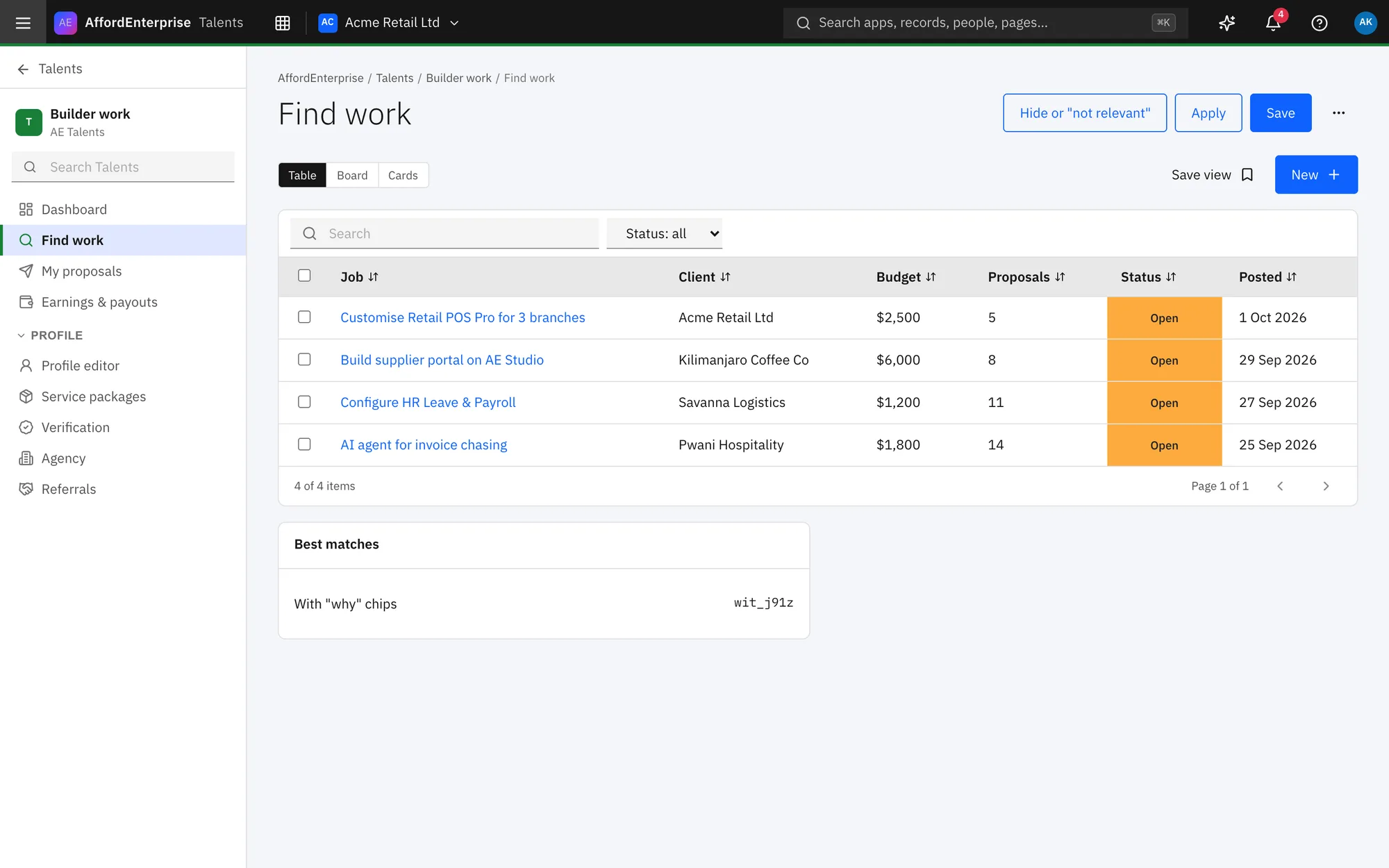
Find work
Open projects with budgets you can see.
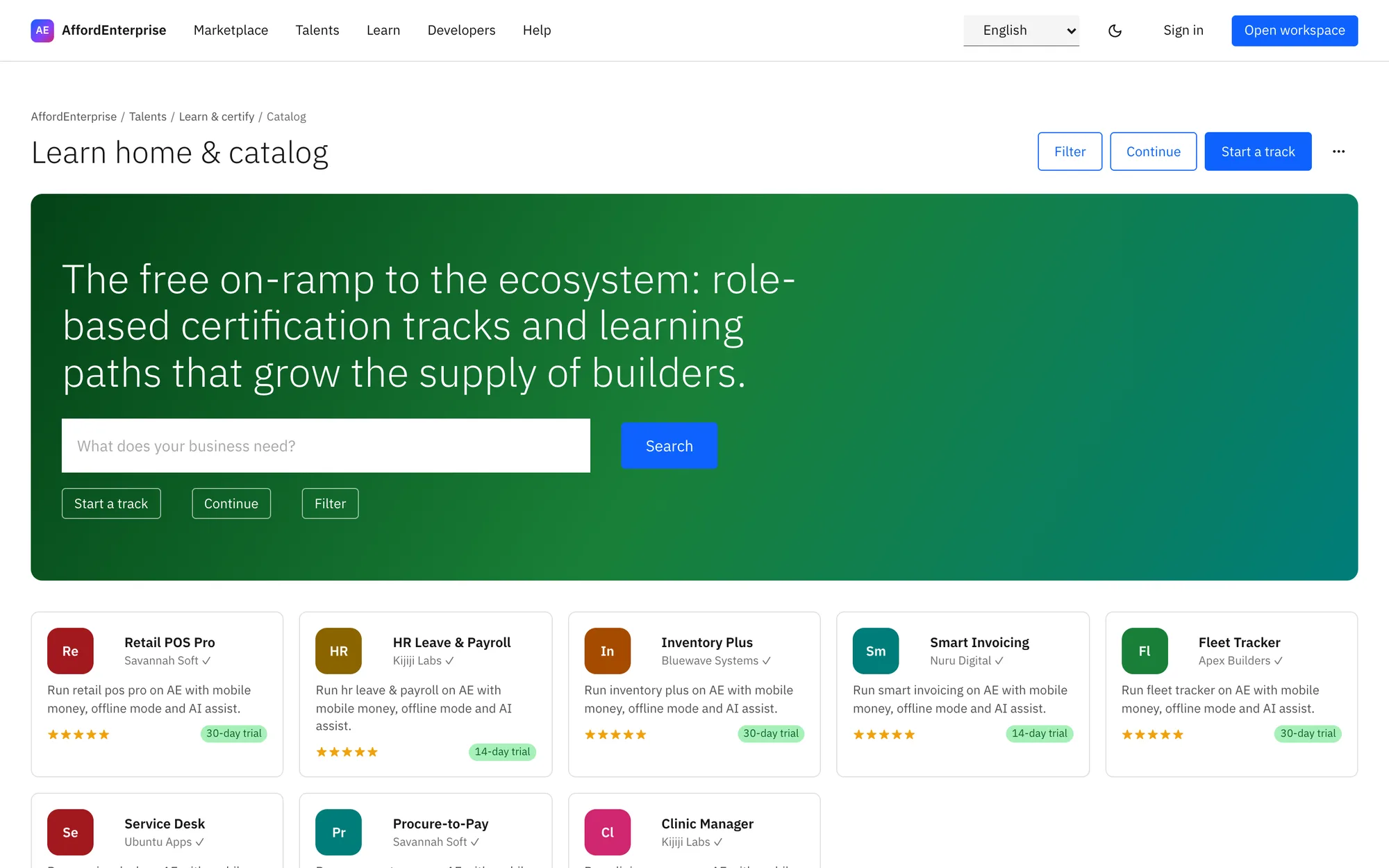
Prove your skill
Certification tracks and exams.
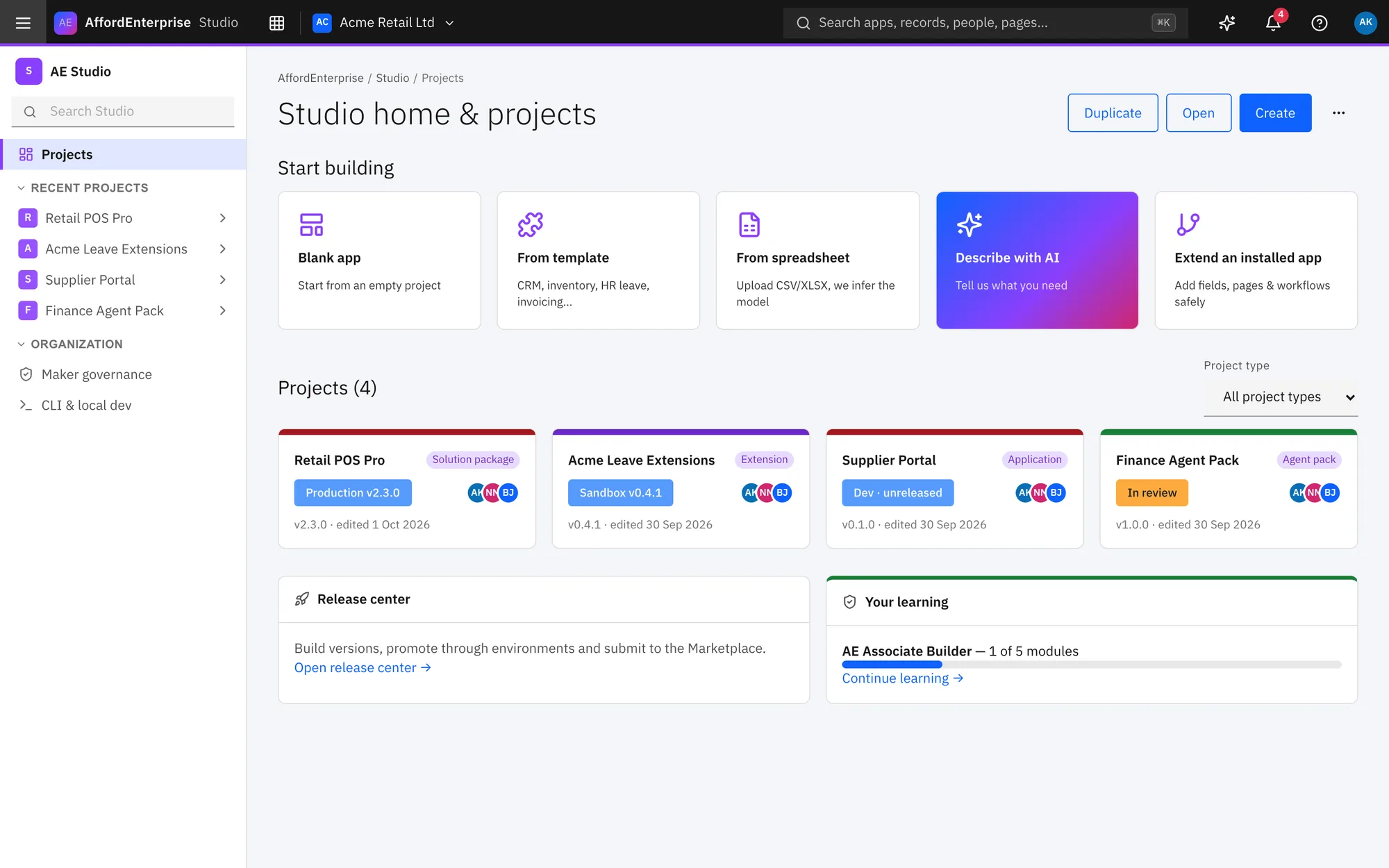
Build in Studio
Deliver apps with the same tools your clients use.
Watch
Hire a builder
Post a project, sign a contract and review the work.
Read the transcript
J3: Hire a builder. This journey goes from posting a project to paying a builder, in Talents.
You post a project. Enter a Title.
Describe What needs doing.
List Skills.
Choose Who can see it: anyone on the job board, or only builders you invite.
Set the Currency and Budget.
You read the proposals and choose one. Proposals lists what builders sent: price, milestones and cover letter.
Select Hire to draft a contract from a proposal.
Select Message to talk first.
You create the contract and sign it. Choose the Project whose proposal you accepted.
Select E-sign to sign; the builder signs next.
In the contract room you fund a milestone into escrow, and approve the work when it is delivered. The signatures and access date show the contract is active.
Select Fund into escrow to put a milestone's money in escrow.
When the contract ends, both sides review each other. A review opens for both sides when the contract ends.
That is it. To read the steps again, open the guide: Post a project wizard, Project and proposals review, Contract creation and e-signature, Contract room, Mutual review.
Ready when you are
Open AE and look around.
See the product for yourself. The guide and demo videos are there when you want help.