

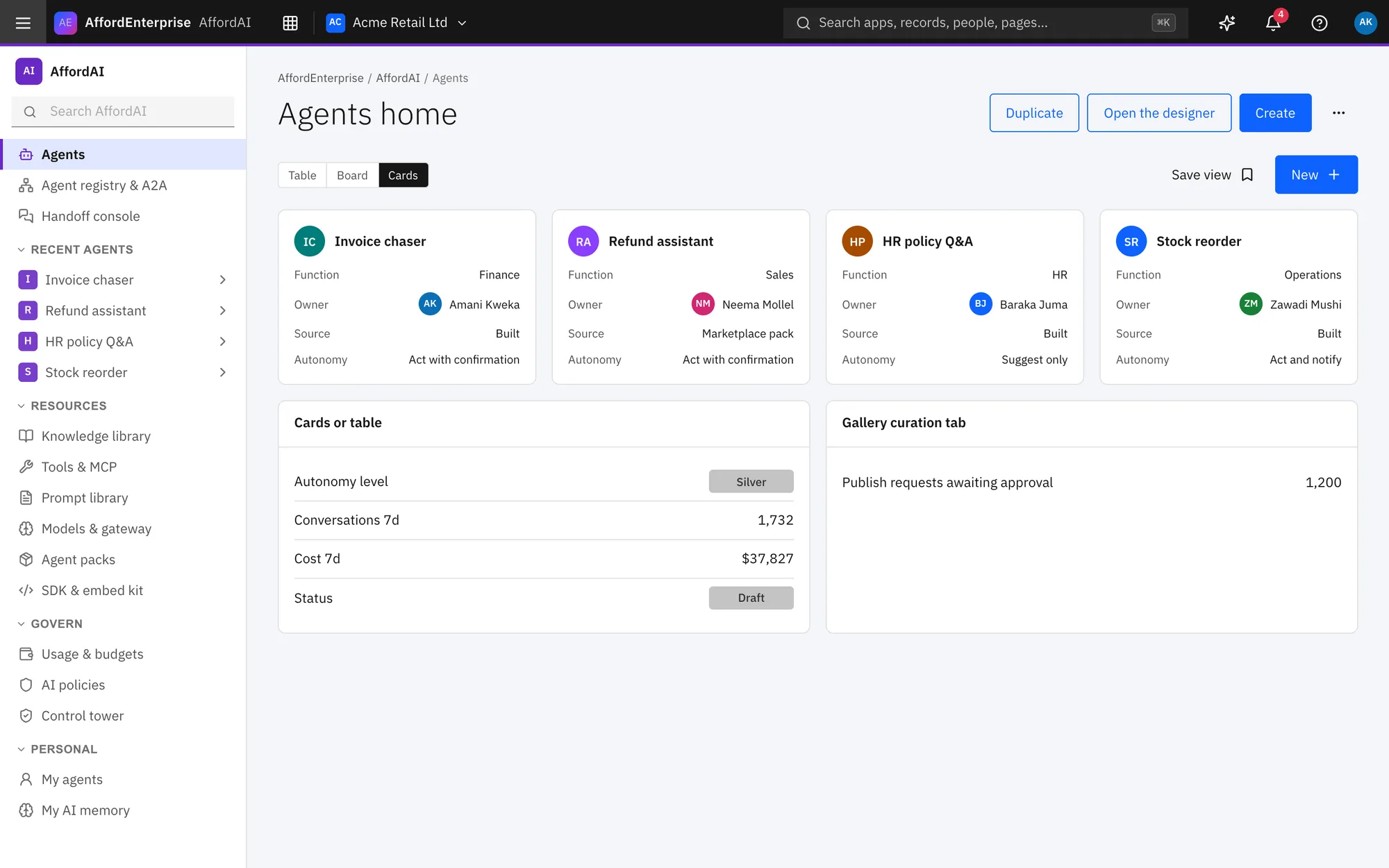
How it works
Three steps.
Give it knowledge
Connect your documents and records so answers come from your business.
Set its limits
Choose how autonomous it is and when a person must approve.
Test, publish, review
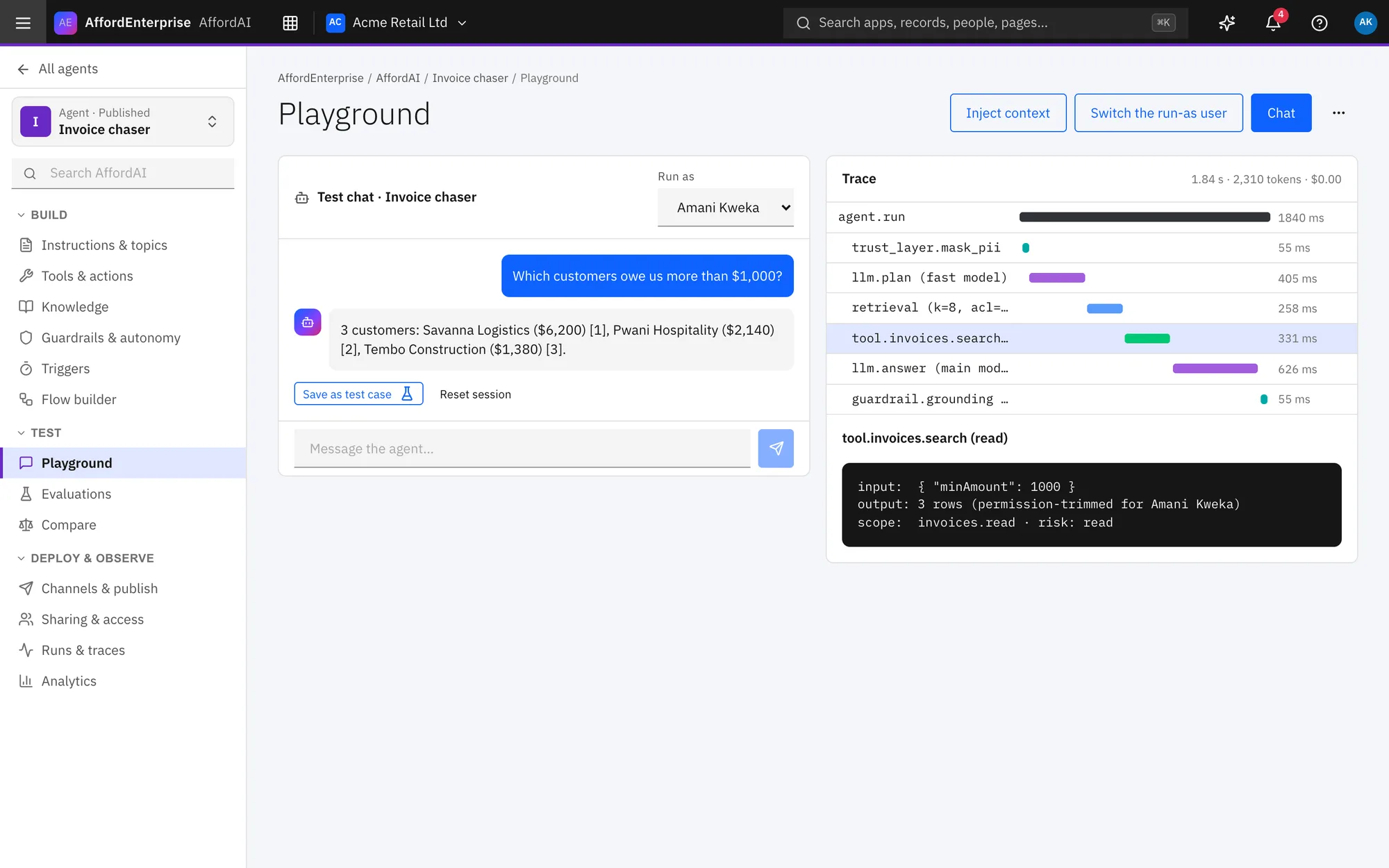
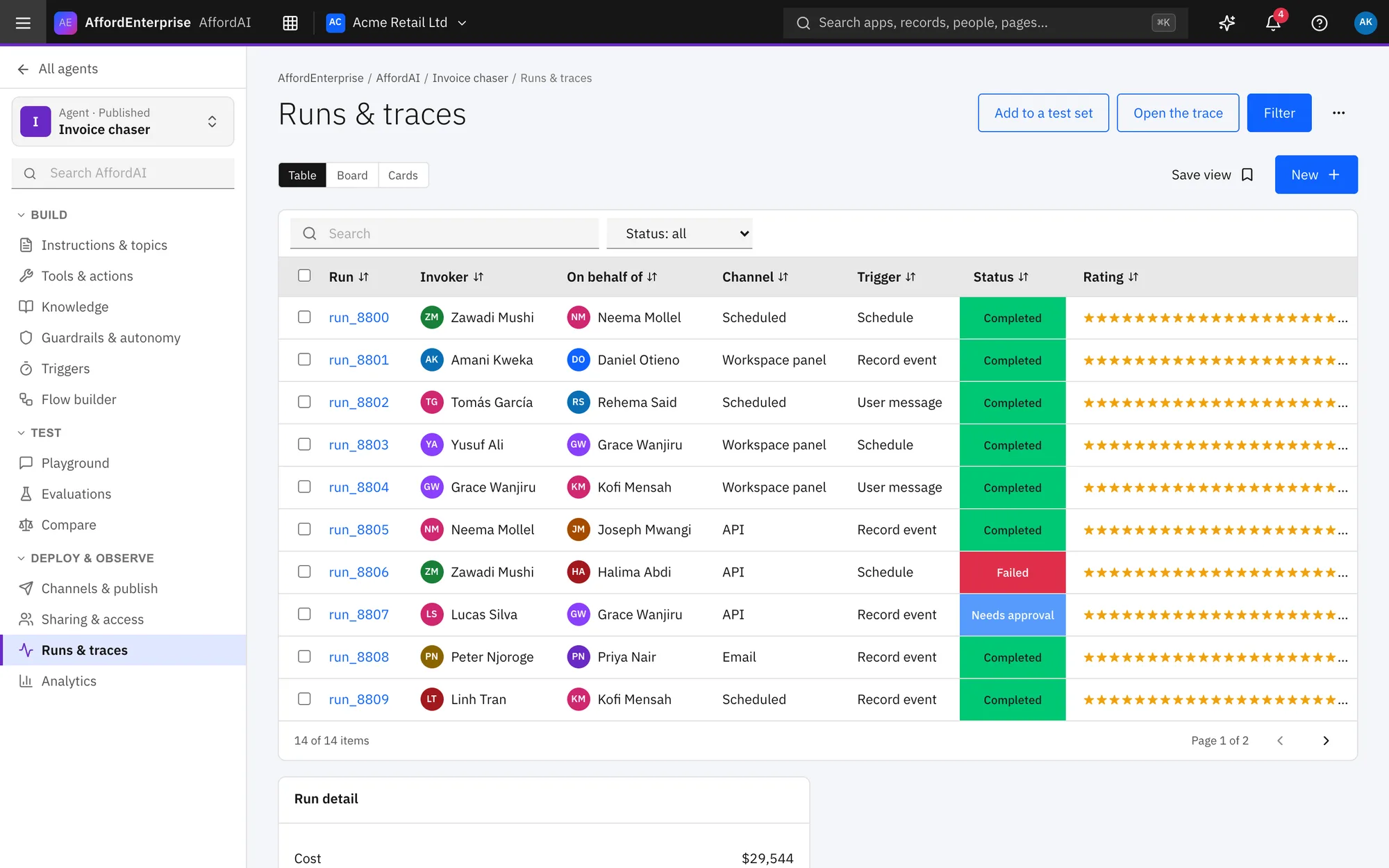
Try it in the playground, publish it, and check the runs.
In the product
See it in use.
Who uses it
Made for these people.
- Teams that want AI help with routine work
- Makers building assistants inside Studio
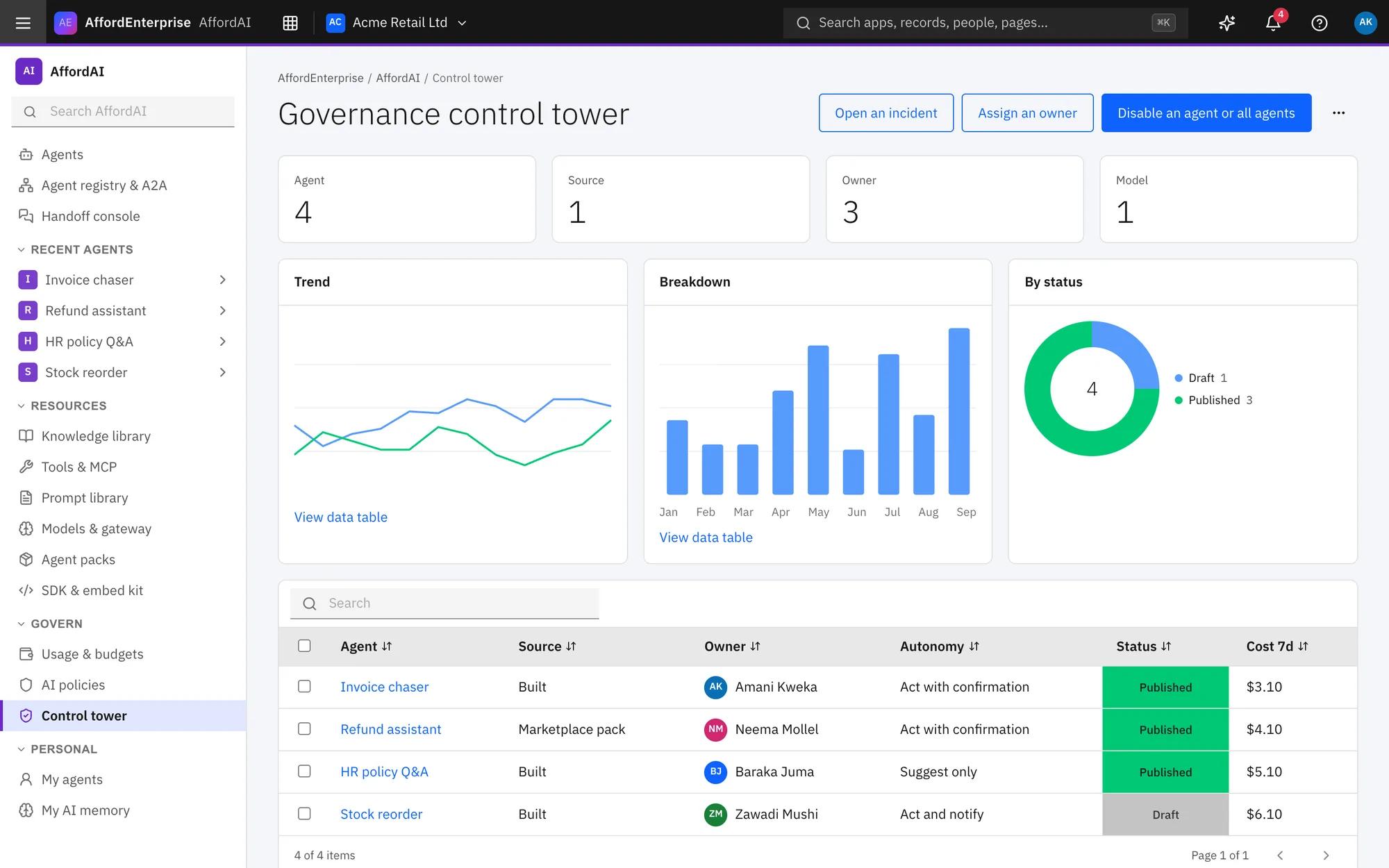
- Admins who govern what AI may do
Autonomy you control
From suggest-only to act with confirmation, set per agent.
Approvals for risky actions
An agent that needs a decision sends it to the right person.
Traceable
Runs and traces show what an agent did and why.
Read the transcript
Clip: Agent guardrails. A closer look at guardrails: how much an agent may do on its own.
Choose the Autonomy: suggest only, ask before acting, or act within limits.
Set Most steps and Most cost for one run.
List Blocked topics.
Tick the risk classes the agent may use.
That is it. To read the steps again, open the guide: Guardrails and autonomy.
Ready when you are
Open AE and look around.
See the product for yourself. The guide and demo videos are there when you want help.